What to do if your software order is not accepted on Checkout - ESW / Fastspring
TABLE OF CONTENTS
- Example Checkout Errors
- Why am I experiencing checkout issues?
- How can I tell whether my payment is processed through FastSpring or ESW?
Example Checkout Errors
- Fastspring Checkout Error: "We regret that your order could not be accepted. We value your business and would like to help you complete this order. Please contact us for assistance."
- ESW Checkout Error: "The payment was unsuccessful. Please try again."
Why am I experiencing checkout issues?
In most cases, checkout failure is due to fraud prevention/risk analysis - Assuming funds are available on your credit card and your bank has not declined the transaction, a temporary hold may have been placed against your device IP due to one or more of the following reasons:
- IP Address Country
- IP Address Region
- Payment Type
- Card Country
Here's what we suggest:
- Ensure the Billing Address matches the payment card
- Ensure the CVV number is correct
- Disable your VPN / Private Relay
- Clear the cookies / Cache on your browser
- Try a different web browser
- Try Incognito mode on the web browser
- Try a different payment method
- Try from your smart device / mobile phone
- Connect to a mobile network via a personal hotspot
If you continue to experience any checkout errors upon placing your order... Please contact your Bank / Card Provider / Financial Institute. Trying a different card on the same device may not work, as a block could be applied to the IP of the device itself.
Note that inMusic support is unable to directly solve checkout failure issues. While our support team is available to provide guidance, please be mindful that we are reliant on a third-party, such as your bank/our payment provider, to release any blocks placed. Our support team is, however, available to provide friendly assistance to help you complete your order.
How can I tell whether my payment is processed through FastSpring or ESW?
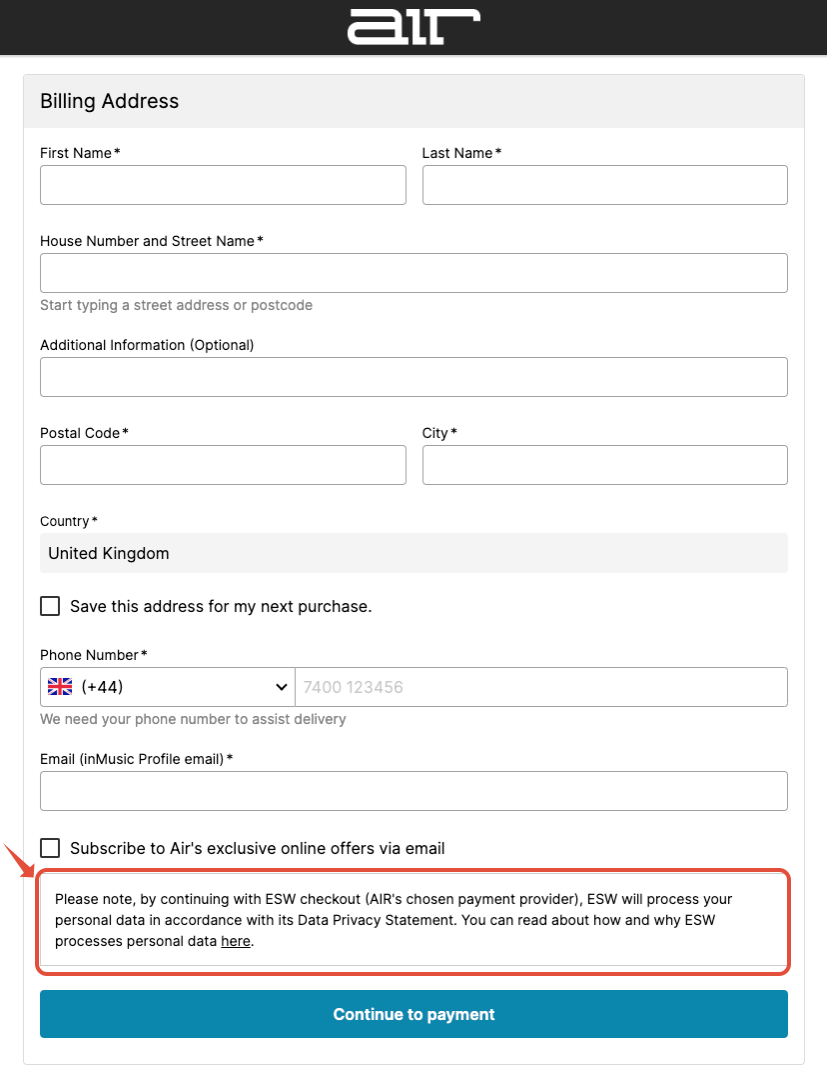
Check out for AIR / AKAI PRO / BFD / Engine DJ Stems products are held with ESW - The checkout window appears as follows:
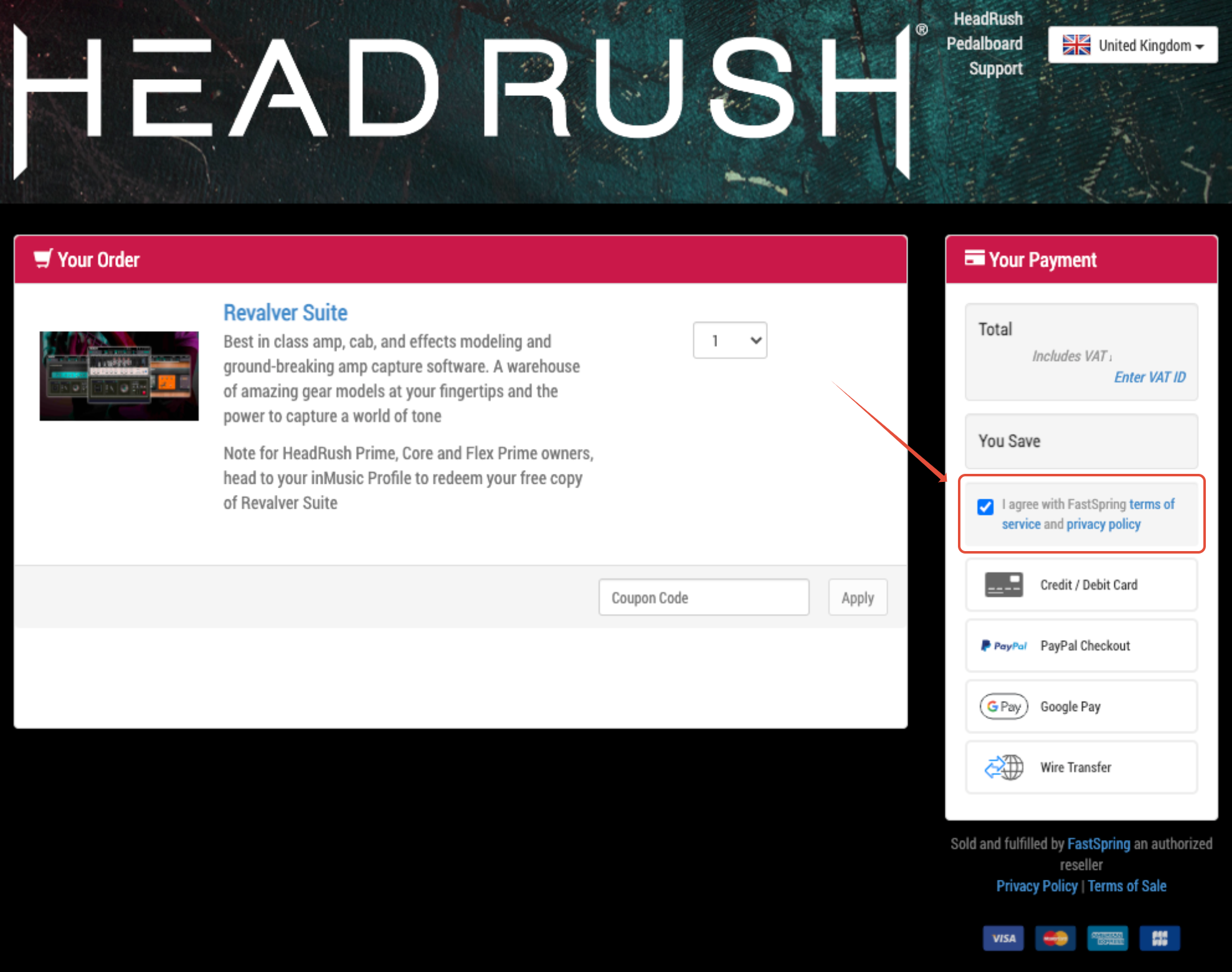
Checkout for AKAI PRO MPC2, MPC STEMS, MPC Pro Pack, MPC3 Public Beta or HEADRUSH is held with FastSpring - The checkout window appears as follows:
Was this article helpful?
That’s Great!
Thank you for your feedback
Sorry! We couldn't be helpful
Thank you for your feedback
Feedback sent
We appreciate your effort and will try to fix the article