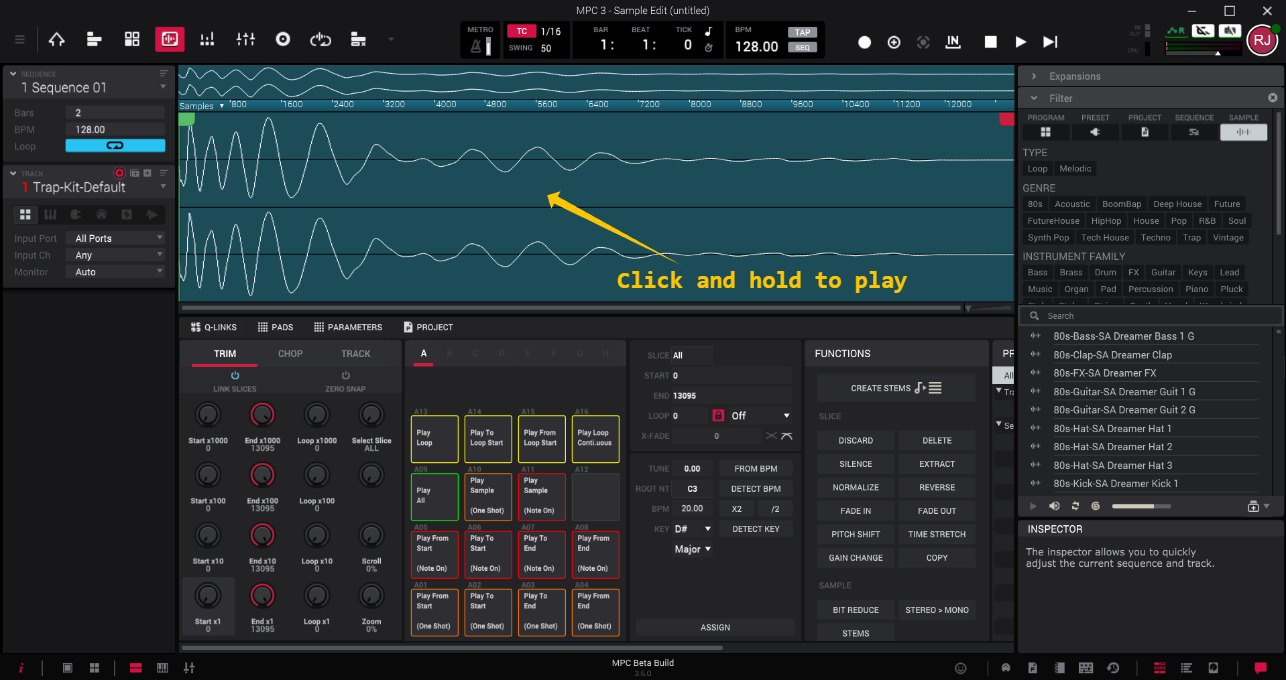
When in Sample Edit mode, pressing the Spacebar or Play button will play the project itself rather than the sample in focus. This is because both buttons are assigned to global transport playback.
To play the sample you’re editing, click and hold your left mouse button on the sample’s waveform.
Was this article helpful?
That’s Great!
Thank you for your feedback
Sorry! We couldn't be helpful
Thank you for your feedback
Feedback sent
We appreciate your effort and will try to fix the article