How Can I Use My Kontrol S-Series MK3 on a Different Computer?
If you have registered your Kontrol S-Series MK3 to your own account but want to use the keyboard in another studio or on another computer without logging in to your own NI account, please follow the solution below:
Solution
The owner of the other computer has to install the Hardware Connection Service via Native Access. All they need is an active Native Instruments account. Here are the steps for the owner of the other computer:
- Open the following link: https://www.native-instruments.com/en/specials/connect-your-hardware/
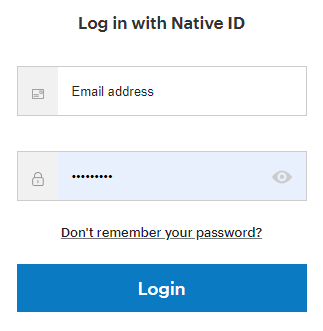
- Log in to the NI account:
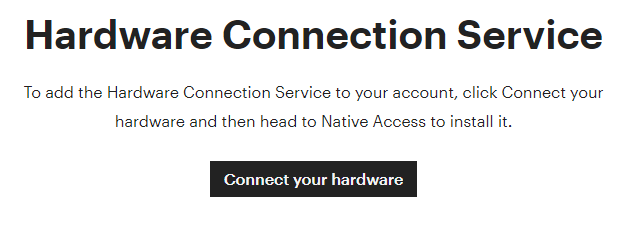
- Click on Connect your hardware:
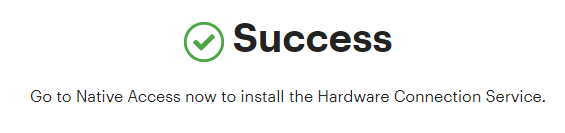
- Now the Hardware Connection Service has been added to the account.
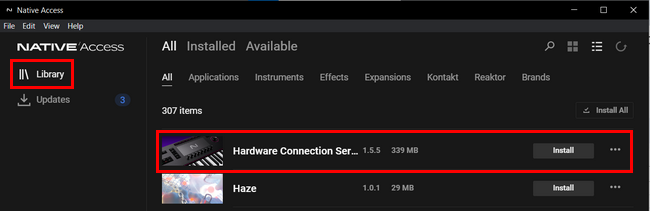
- Open Native Access, log in and install the Hardware Connection Service:
- You can now connect your keyboard and it will be recognized by the computer.
Was this article helpful?
That’s Great!
Thank you for your feedback
Sorry! We couldn't be helpful
Thank you for your feedback
Feedback sent
We appreciate your effort and will try to fix the article