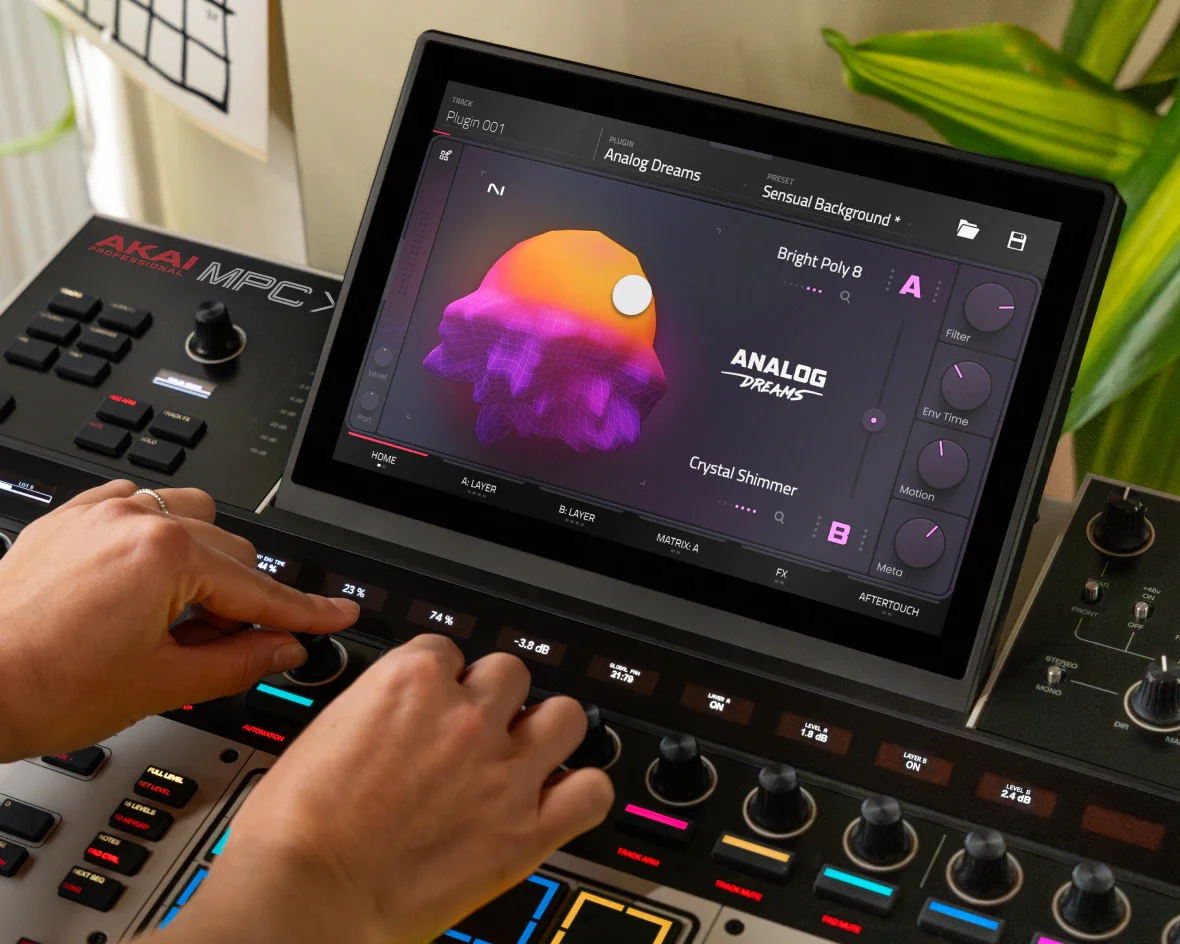
The contents of this article cover the included sound content on the MPC XL. This is helpful to ensure you are aware of the included content and how to locate and use them.
TABLE OF CONTENTS
Expansion Packs (15)
- Acoustic Drum Tools
- Welcome to ALT Songstarters
- Classic Drum Machines
- Electronic Horizon
- F9 Apollo - Retro Drum Kits
- F9 Gemini - Future Classic Synths
- F9 Orion - Classic Workstations
- Lo-Fi Breeze
- Marco Polo - LoFi Boom Vol 1
- Percussion Tools
- Producer Kit Essentials
- Snipe Young Presents - Titanium
- Welcome to ALT Kits
- Welcome to ALT Melodics
- Native Instruments - Lone Forest (Launch the inMusic Software Center, navigate to My Offers and use the voucher for Lone Forest).
Please see this guide to redeem Lone Forest: MPC XL | How to redeem your free Native Instruments MPC Expansion? : Akai Professional
Note: The included packs can be re-downloaded at anytime: Installing the Included Expansion Packs : Akai Professional
Demos (6)
- Classic Drum Machines Demo Project
- Electronic Horizon Demo Project
- Marco Polo - LoFi Boom Vol 1 Demo Project
- Producer Kit Essentials Demo Project
- Welcome to ALT Kits Demo Project
- 91Vocals Demo Feat Chante Marie
Templates (6)
- Song Starter Alone Bb 153
- Song Starter Bright Cm 135
- Song Starter Dark Matter Fm 157
- Song Starter Lights Ebm 140
- Song Starter Westside Love Abm 96
- Song Starter 2000s Baby Em 155
Plugin Instruments
Paid plugins, included with the MPC XL:
- OPX-4
- Organ
- Stage Piano
- Stage EP
- Fabric Collection
- Fabric Select
- Studio Strings
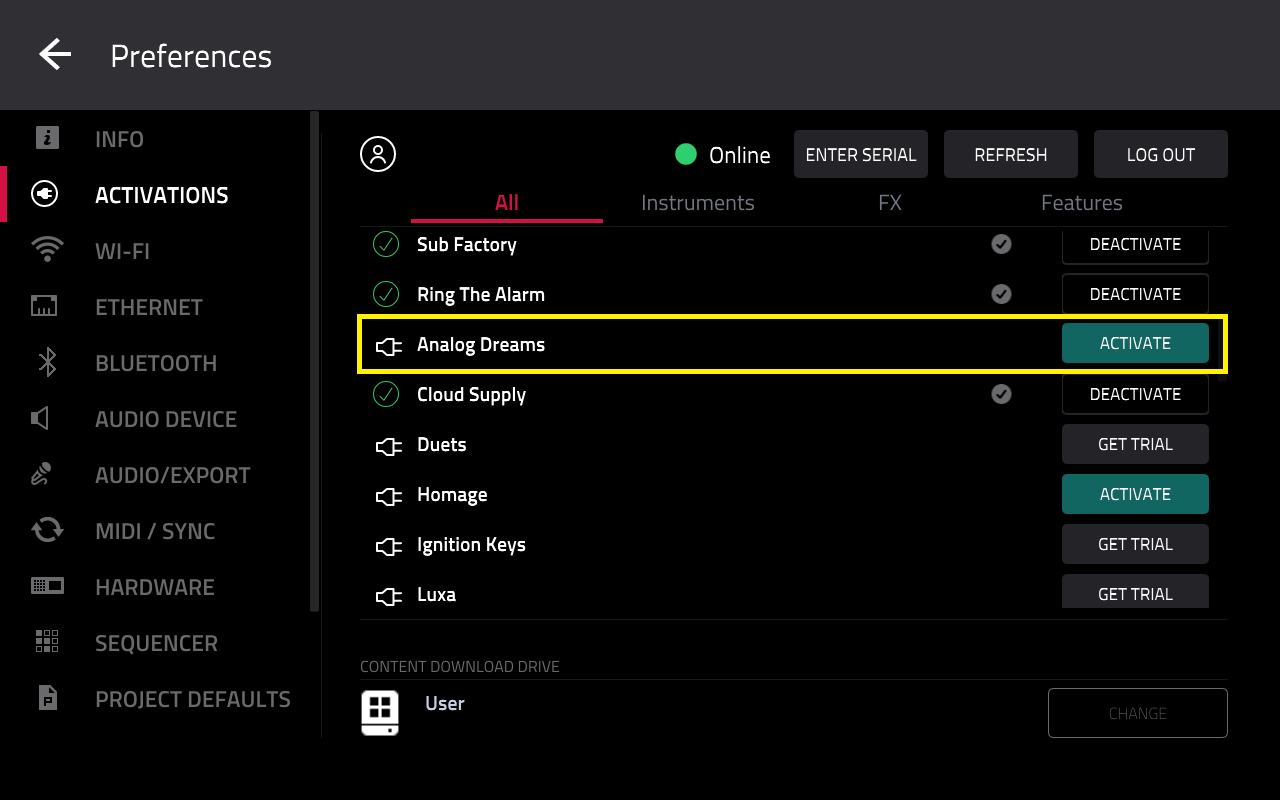
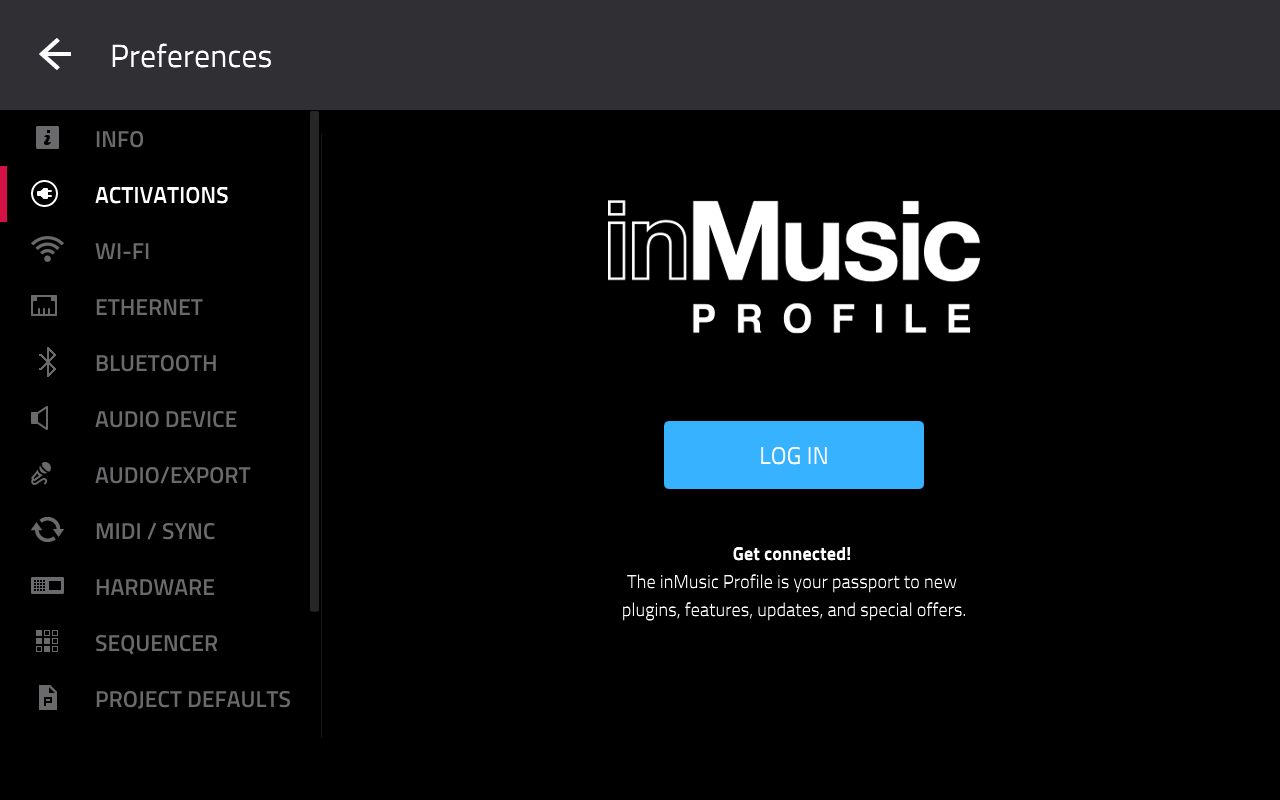
- Native Instruments - Analog Dreams (Kindly Activate Analog Dreams on your MPC XL by navigating to Preferences > Activations)
Gen 1 plugins:
- Bassline
- Electric
- Drumsynth Multi
- Hype
- Mellotron
- Odyssey
- Solina
- TubeSynth
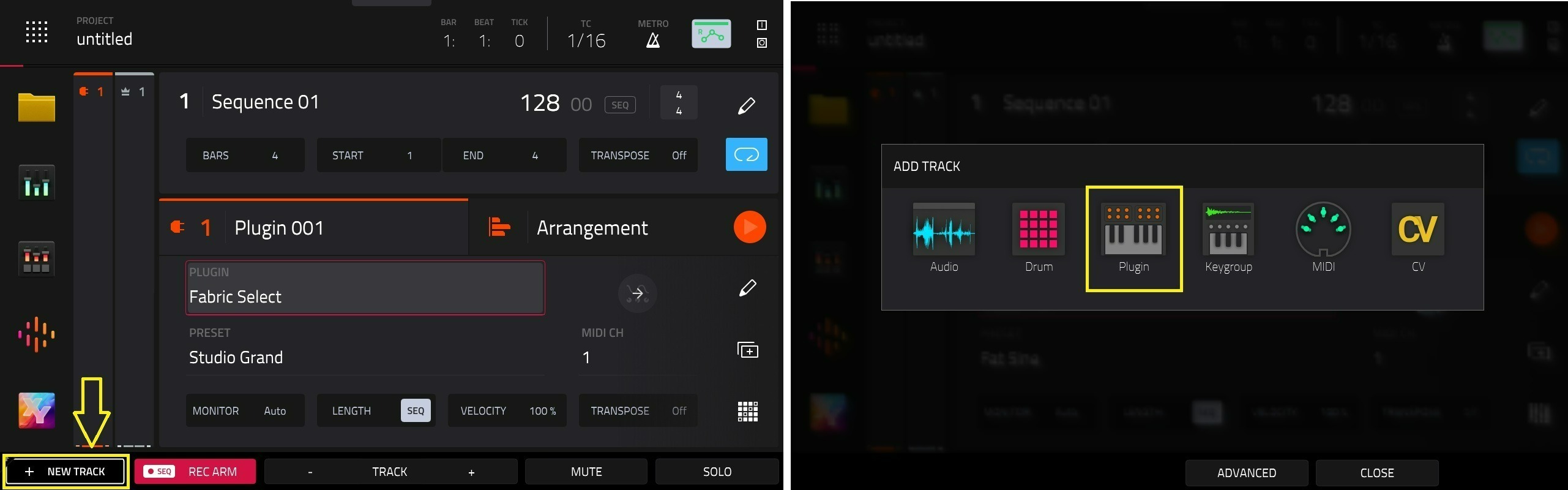
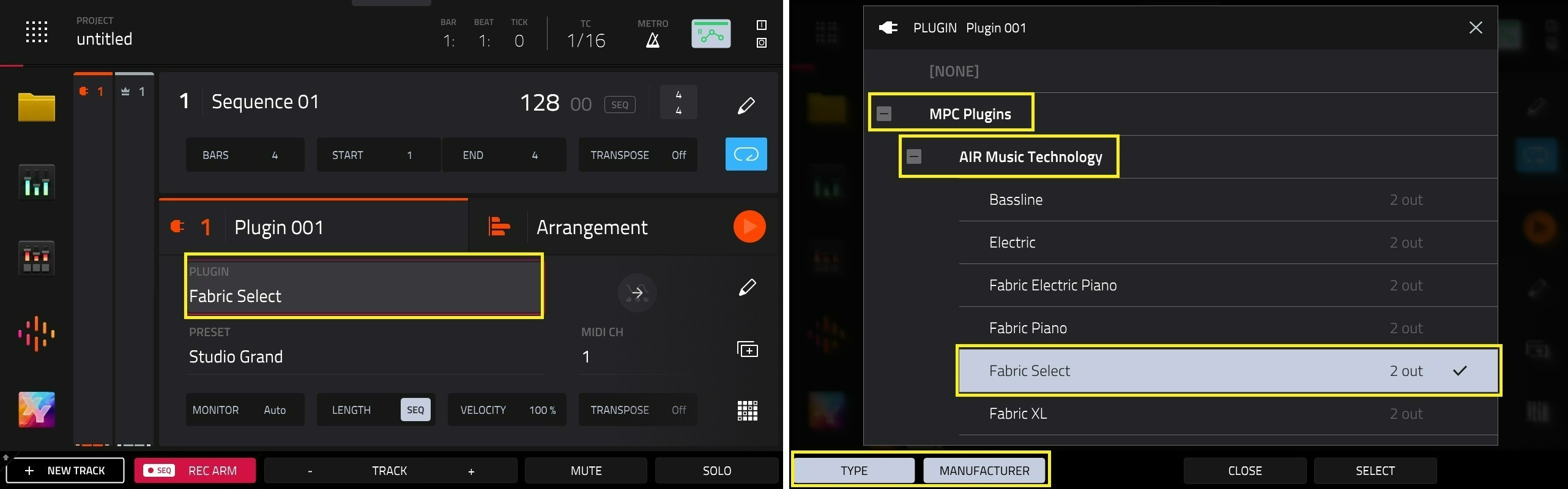
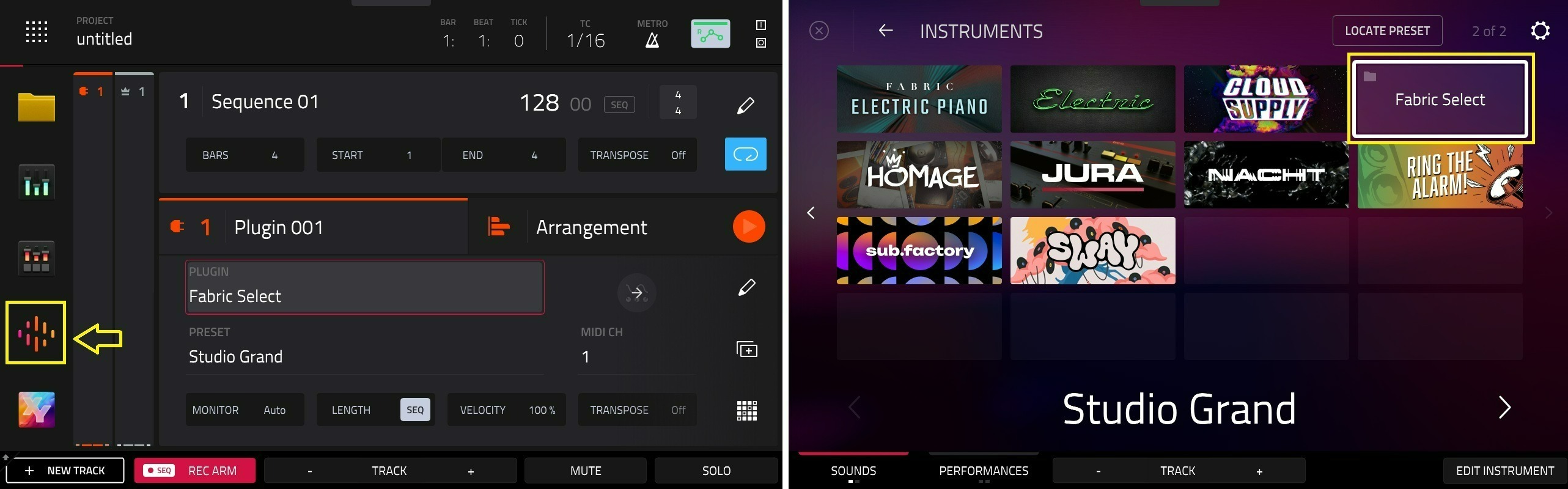
Note: The included plugin instruments require no activation on the MPC XL in Standalone Mode, and will be available in the Plugin Filed and Sounds Menu when you load a plugin track.
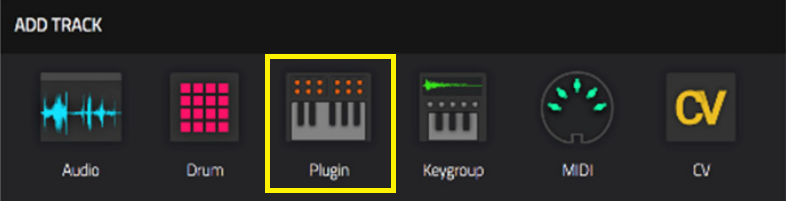
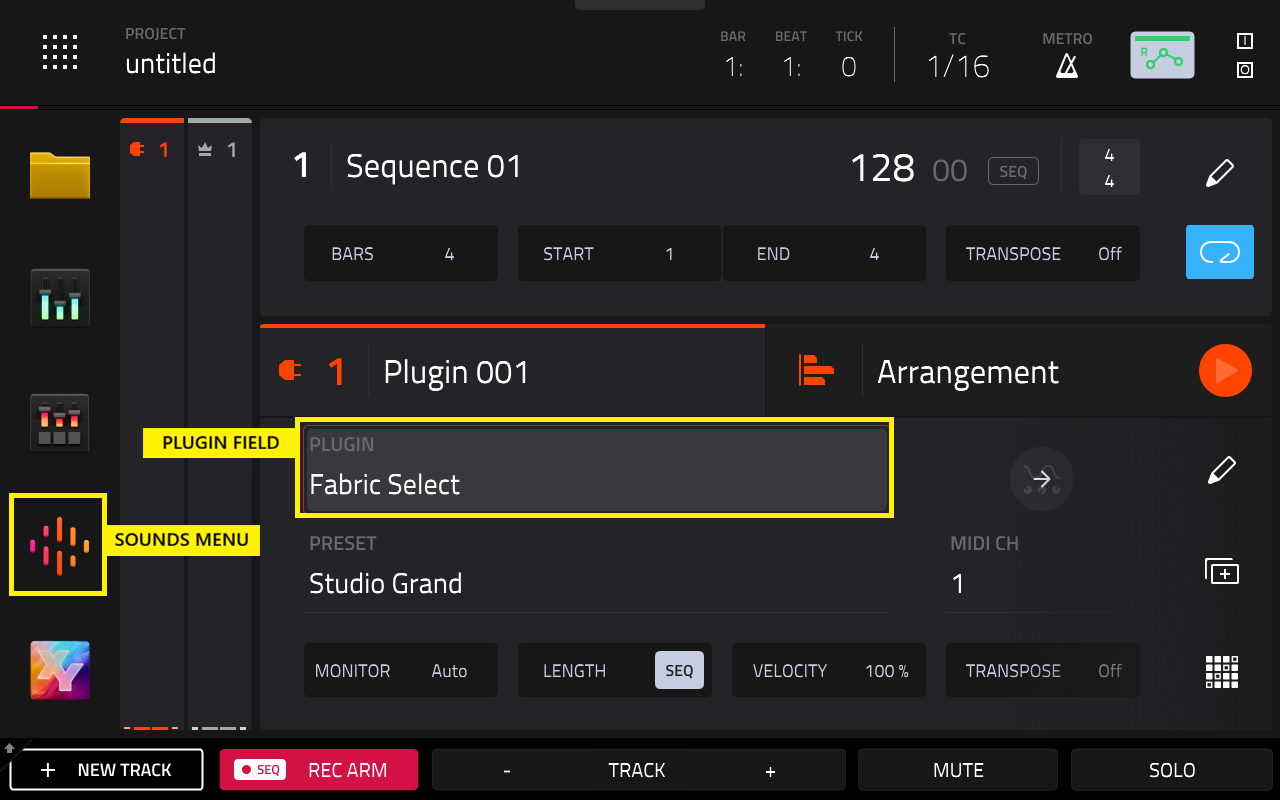
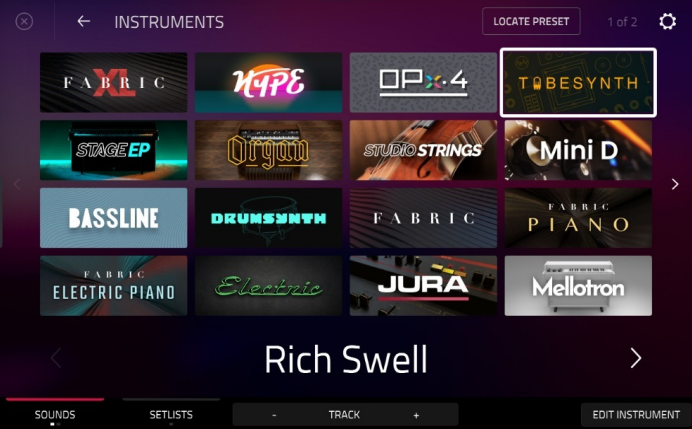
Note: More plugins are on the 2nd page, tap the > arrow.
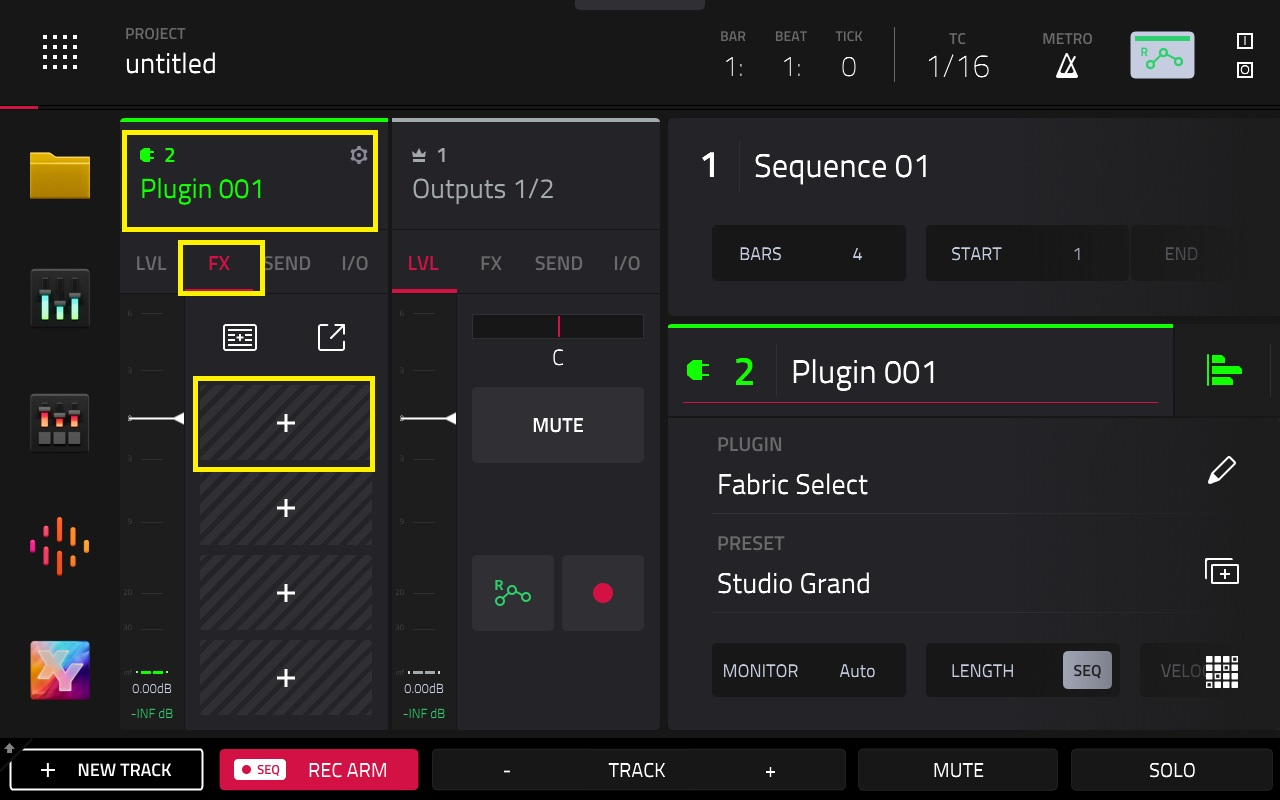
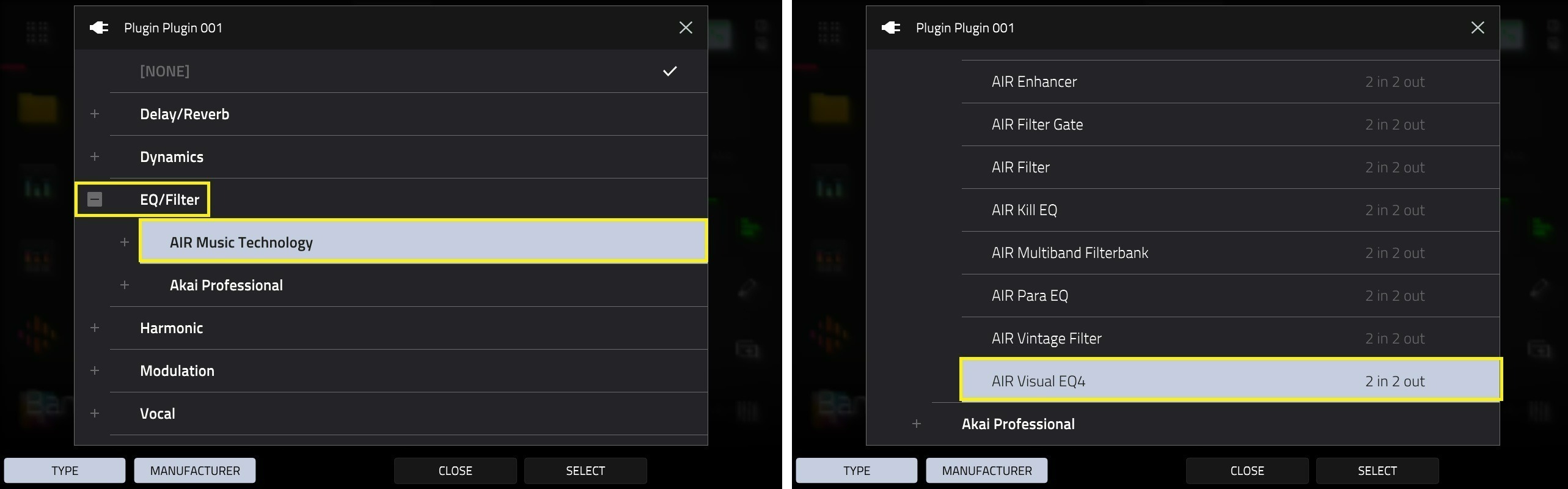
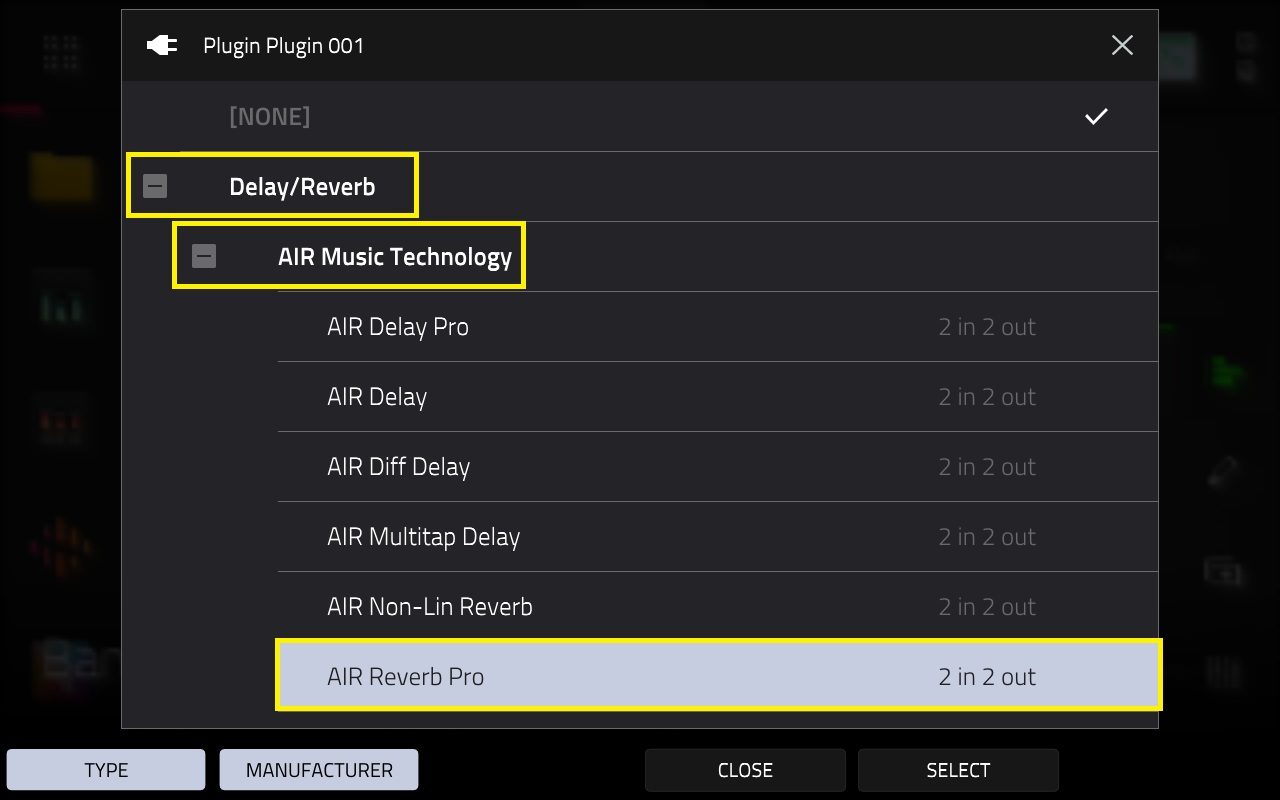
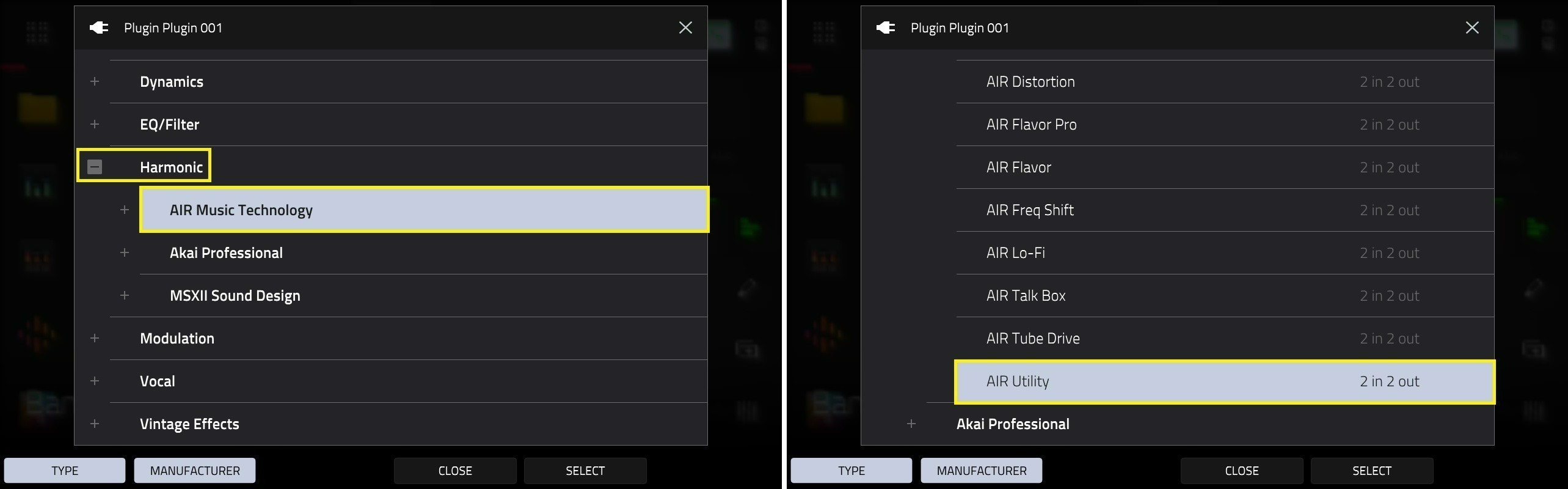
Plugin FX
Paid plugins, included with the MPC XL:
- AIR Music Technology - MPC - AIR Utility
- AIR Music Technology - MPC - AIR Visual EQ4
- AIR Music Technology - MPC - AIR Chorus
- AIR Music Technology - MPC - AIR Multitap Delay
- AIR Music Technology - MPC - AIR Reverb Pro
- AIR Music Technology - MPC - AIR Vintage Filter
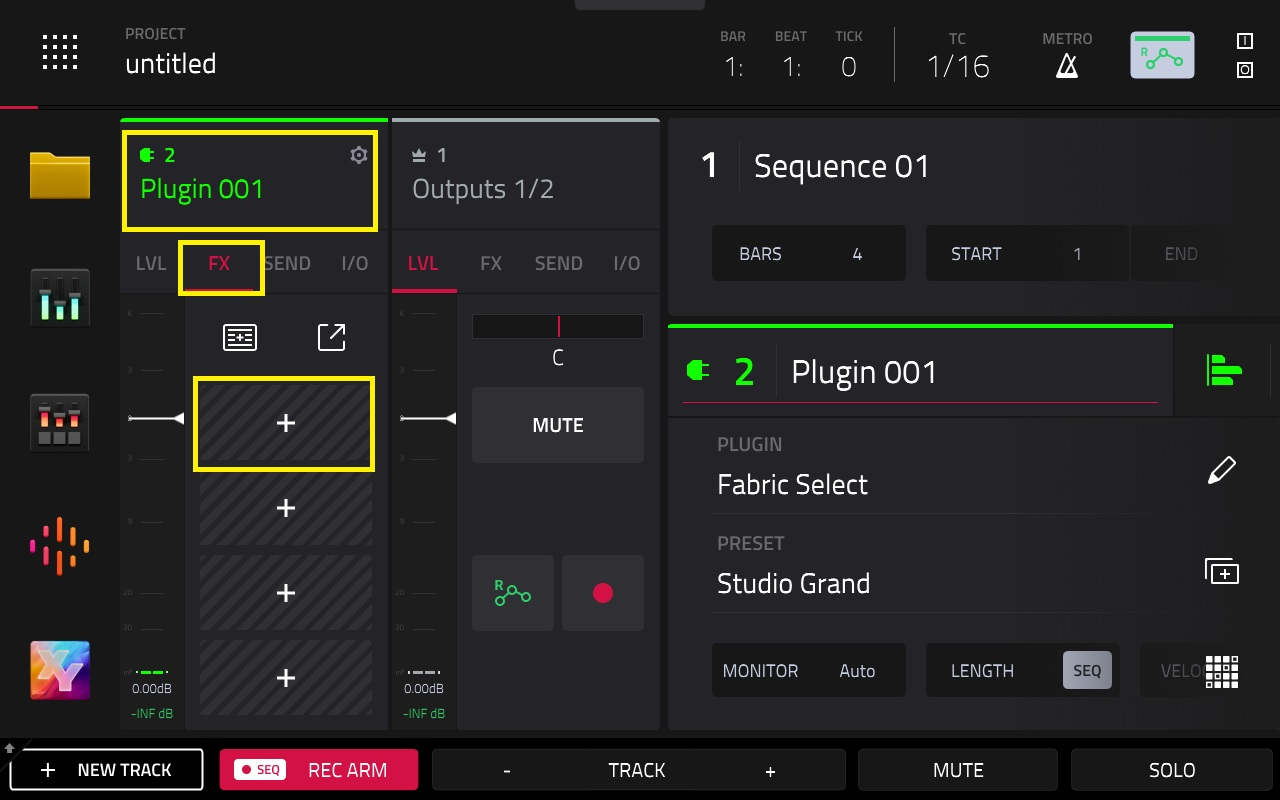
If you wish to use the plugin on desktop, log into the inMusic Software Center.
Go to the My Hardware tab, and select your MPC XL

You will find the included plugins available to download and install:
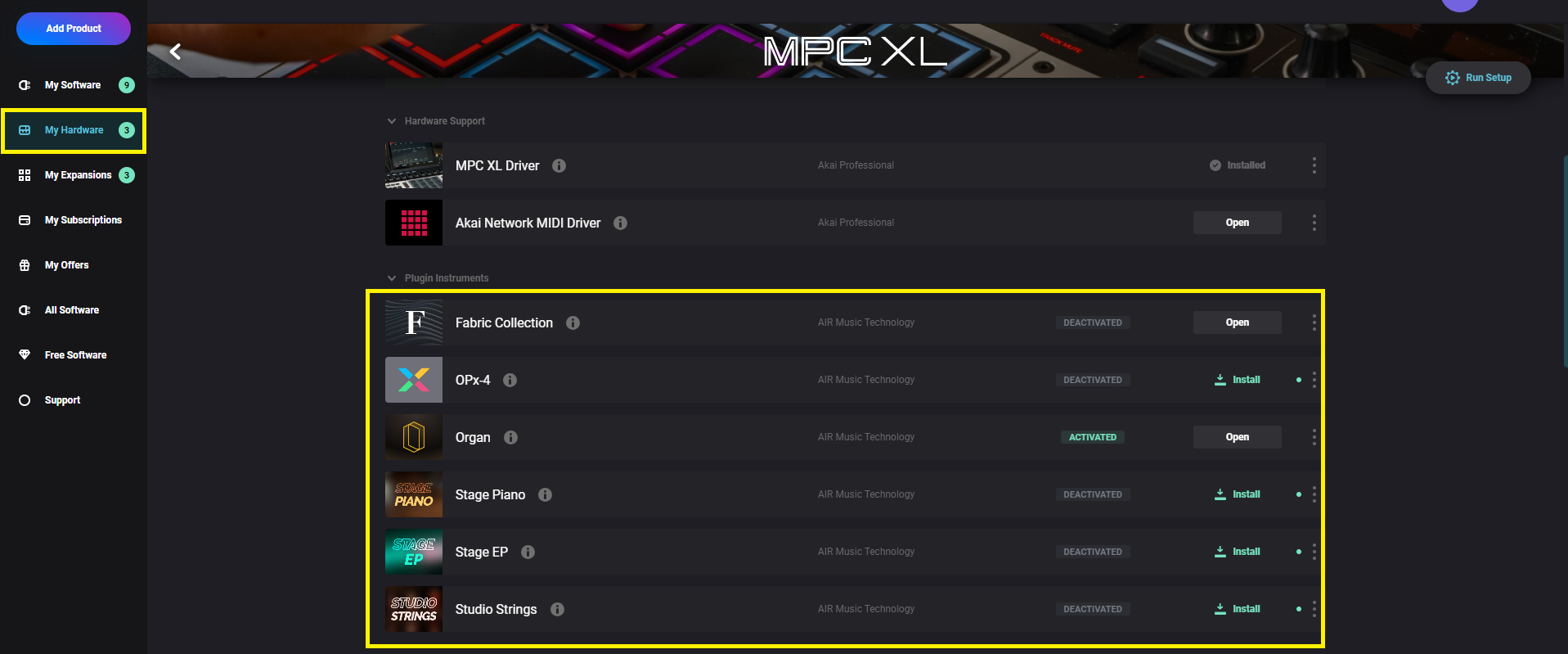
Note: If you find that you are unable to activate the plugins, please check that you have logged into your inMusic Profile on your MPC in standalone mode.
Stems

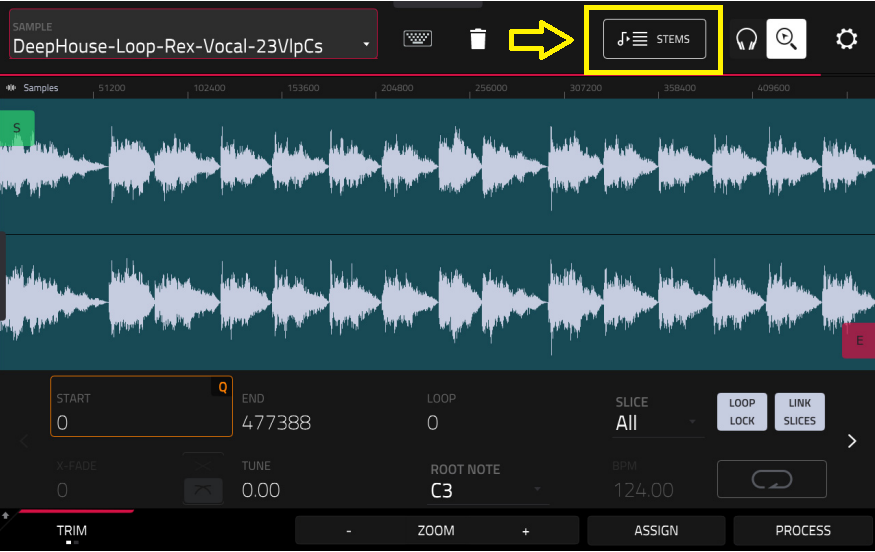
Pro Features
Important: Please ensure you have logged in to your inMusic Profile on the MPC XL itself to redeem the licence
Was this article helpful?
That’s Great!
Thank you for your feedback
Sorry! We couldn't be helpful
Thank you for your feedback
Feedback sent
We appreciate your effort and will try to fix the article