If you’re looking to load the factory kits on your MPC Sample, you’ll need to access them through the Project Menu, which can be accessed by following the steps below:
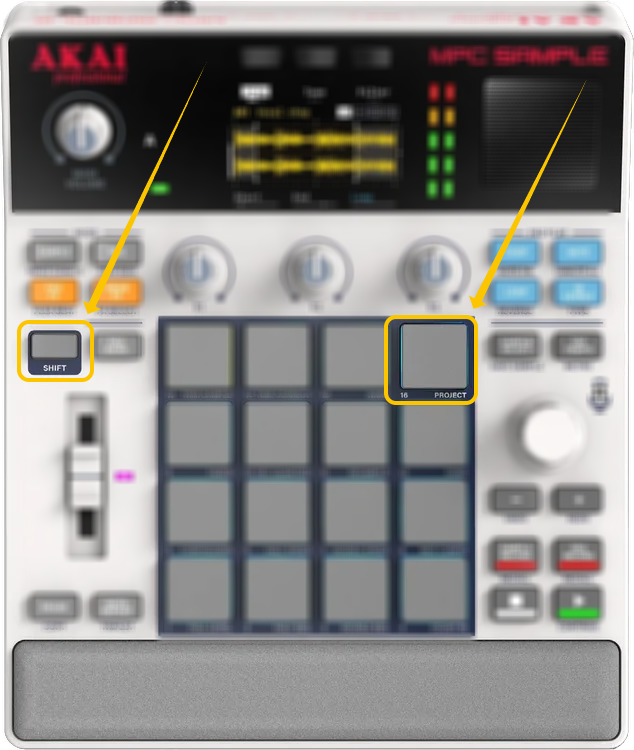
1. Hold down the SHIFT button.
2. While holding SHIFT, press Pad 16 to open the Project menu.
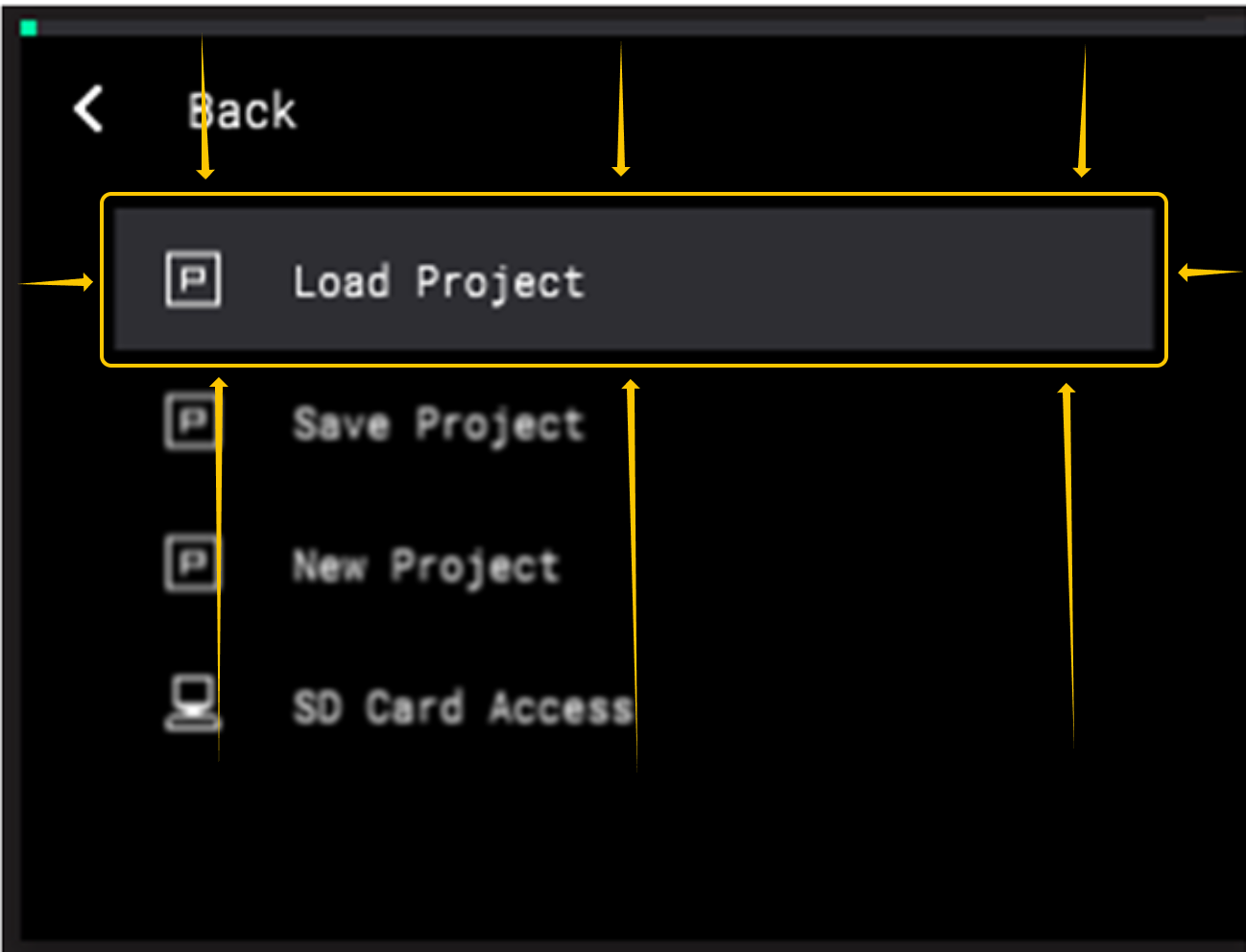
3. Select Load Project (not new project).
4. At the top of the screen, set the storage location to Internal, then navigate to the Kits folder.
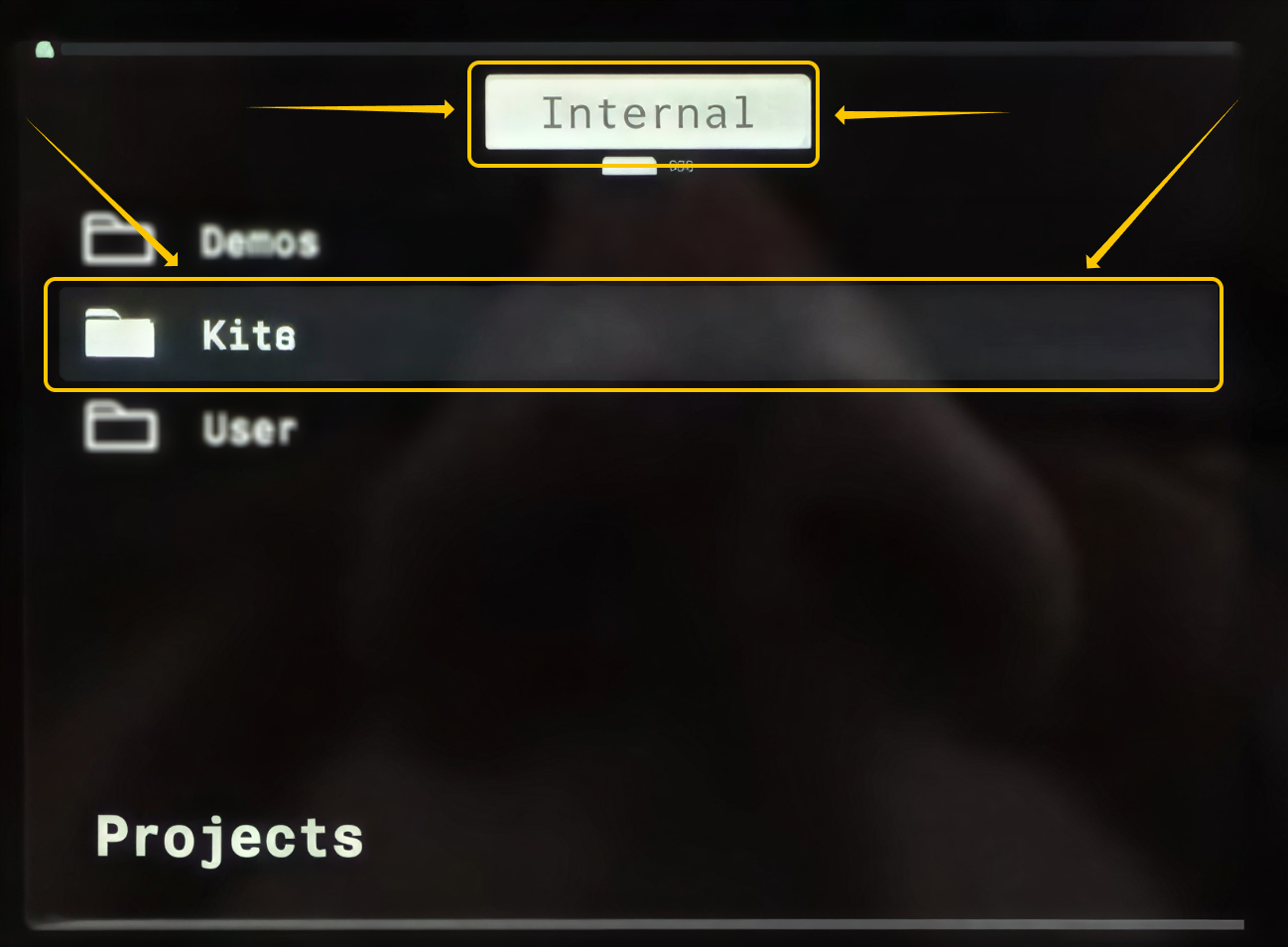
Once selected, you’ll be able to browse and load the factory kits and samples directly from the internal storage.
Was this article helpful?
That’s Great!
Thank you for your feedback
Sorry! We couldn't be helpful
Thank you for your feedback
Feedback sent
We appreciate your effort and will try to fix the article