Kontrol S-Series MK3 keyboard causes Logic and macOS MIDI Studio to hang (not responding)
Symptom
When launching Logic Pro with a Kontrol MK3 connected, Logic Pro stops responding. In some cases, the macOS application MIDI Studio / Core MIDI may also show as not responding in the Force Quit Applications window.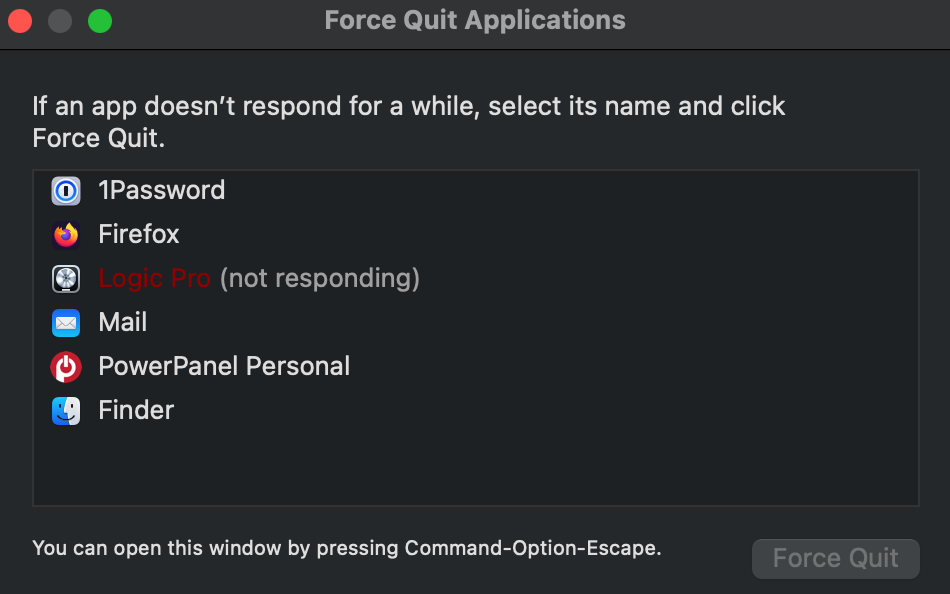
Cause
This behavior can occur when a keyboard is running in MIDI 2.0 mode, causing an unknown issue with Logic / Core MIDI.
Solution
The solution in this case is to run the S-Series MK3 in MIDI 1.0 mode instead.
Here's how to set the Kontrol MK3 back to MIDI 1.0:
- Start your Kontrol MK3 keyboard.
- Press the SETTINGS MIDI button.
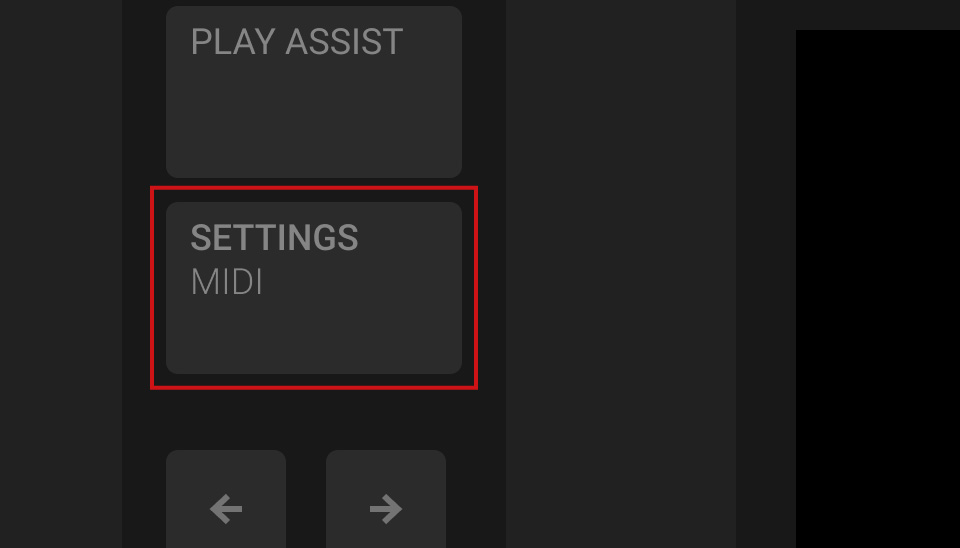
- Use buttons 1 and 2 above the display to select the Hardware category:
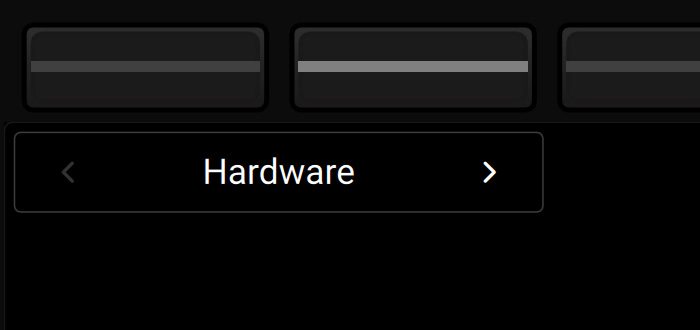
- Use the Page button to select page 2.

- Turn the first knob to select MIDI 1.0.

Next, you need to reset the Kontrol S MK3 entry in MIDI Studio:
- After you have set the Kontrol MK3 to MIDI 1.0 (see above), switch the keyboard off.
- Start Finder and open Applications > Utilities > Audio MIDI Setup.
- In the top menu bar, select Window > Show MIDI Studio.
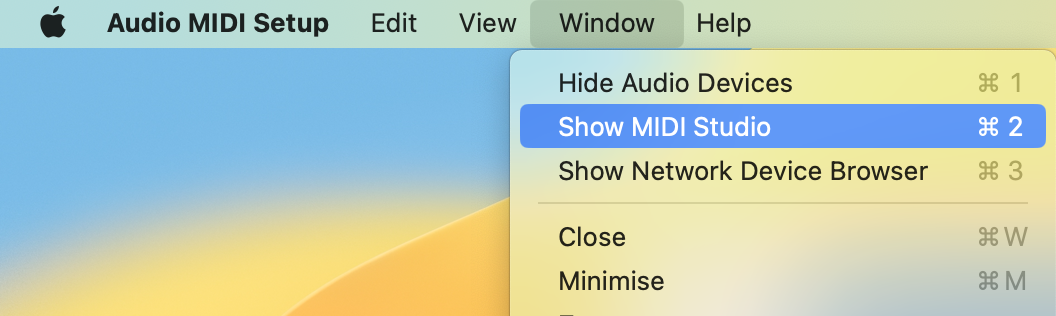
- Select the Kontrol S MK3 and click the "-" button (or press the del key on your computer keyboard).
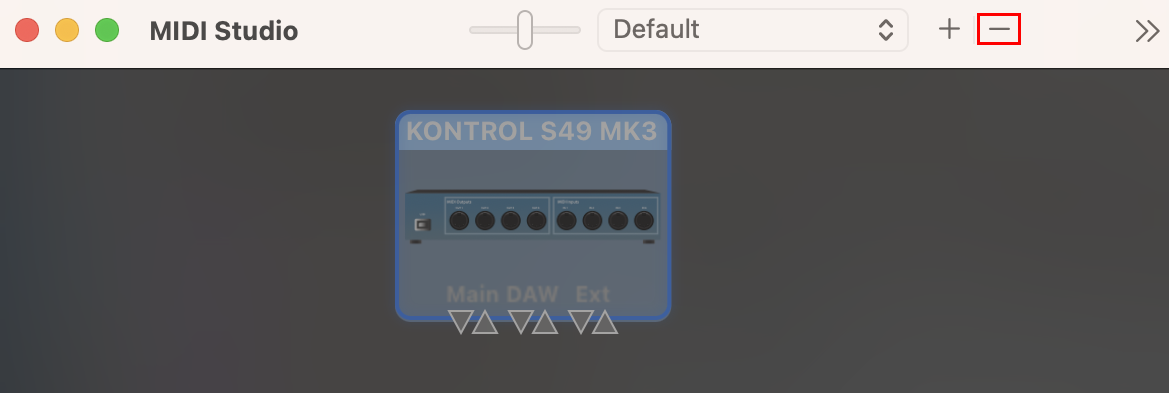
- Turn your keyboard back on.
Both your keyboard and macOS are now set up for MIDI 1.0 again.
When launching Logic again, it should now run as expected.
Was this article helpful?
That’s Great!
Thank you for your feedback
Sorry! We couldn't be helpful
Thank you for your feedback
Feedback sent
We appreciate your effort and will try to fix the article