Kontrol S-Series MK3: "You're low on power. Please connect a USB-C power supply"
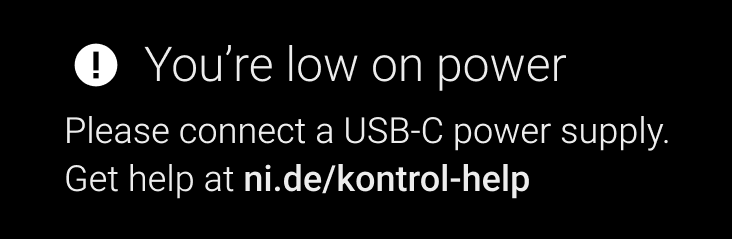
If your Kontrol S MK3's screen shows "You're low on power", the controller does not receive enough power via the USB cable alone.
This is common when connecting the keyboard to a non USB-C port (e.g. with a USB-C to USB-A adapter / cable).
Please try the following:
- If you are using a USB hub, try connecting the keyboard directly to the computer.
- Also, try a different USB socket on your Computer.
- If you have to use a USB hub: depending on how many other devices are connected to the hub, try a powered USB hub (if it isn't powered already). Also, make sure it is designed to transmit data & power.
- If you have to replace the original USB-C cable, make sure it is designed to transmit data & power.
- If all these troubleshooting steps did not help, please use a USB-C power supply (5 V, 7.5 W or higher, 1.5 A or higher) with its own USB-C cable. These are the specs for a regular USB-C charger that you might have along with your smartphone.
Was this article helpful?
That’s Great!
Thank you for your feedback
Sorry! We couldn't be helpful
Thank you for your feedback
Feedback sent
We appreciate your effort and will try to fix the article