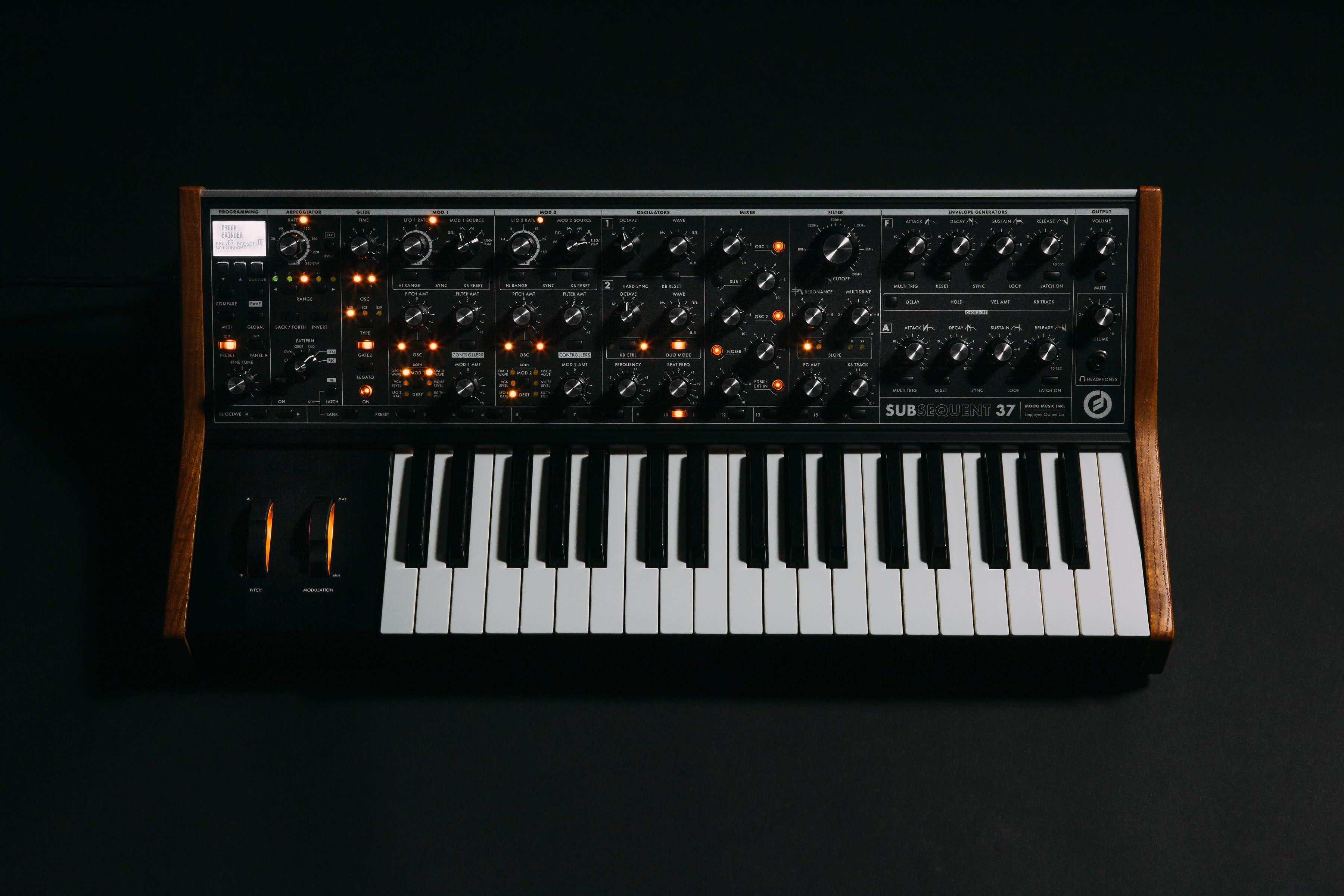
The Subsequent 37 can store up to 31 custom 1-octave tuning scales in its memory. Scale number 0 (default) is a 12 tone equal tempered tuning.
TABLE OF CONTENTS
Tuning Scale Selection
Highlight TUNING SCALE and press the CURSOR button to enter the TUNING SCALES sub menu. Now you can use the FINE TUNE knob to select a scale number.
Phatty Tuner
You can create and load custom scales using the Phatty Tuner application for Mac or Windows.
- Plug your Subsequent 37 into your PC/Mac via USB.
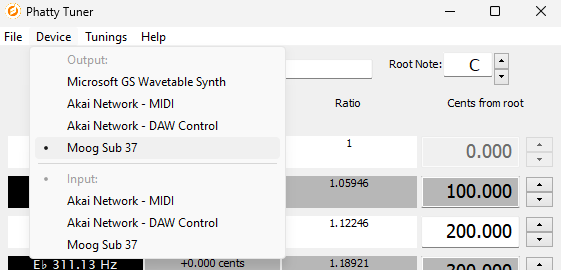
- Ensure that Sub 37 is selected as a MIDI OUT Device. If it does not show up then restart the application.
- Select a SCALE NUMBER & NAME after you have inputted your custom scale.

- Once you are happy with your selection press SEND.

- The MIDI button on your Subsequent 37 will flash red very quickly. This may be so quick that you may miss it. Not to worry. We will check if the synth received the custom scale on the next step.
- Go to GLOBAL > TUNING SCALE. Then, scroll to the scale number that you had selected for your custom scale.
Change the Scale via MIDI
Using RPN [Registered Parameter Number] MSB 0, LSB 3. After setting RPN #3, send Data Entry (CC #39) value 0 -31 to select the corresponding numbered scale. Alternatively, send CC #96 [Increment] or CC #97 [Decrement] to select the next/previous scale. RPN MSB is set using CC #101, RPN LSB is set using CC # 100.
The Subsequent 37 also supports the MIDI tuning standards for Single-Note Tuning Change and Bulk Tuning Dump (full 128-note tunings), in addition to the Scale/Octave format. The Subsequent 37 holds a single 128-note tuning table in its active memory, which is not saved on power-down.
Additional Information
Was this article helpful?
That’s Great!
Thank you for your feedback
Sorry! We couldn't be helpful
Thank you for your feedback
Feedback sent
We appreciate your effort and will try to fix the article