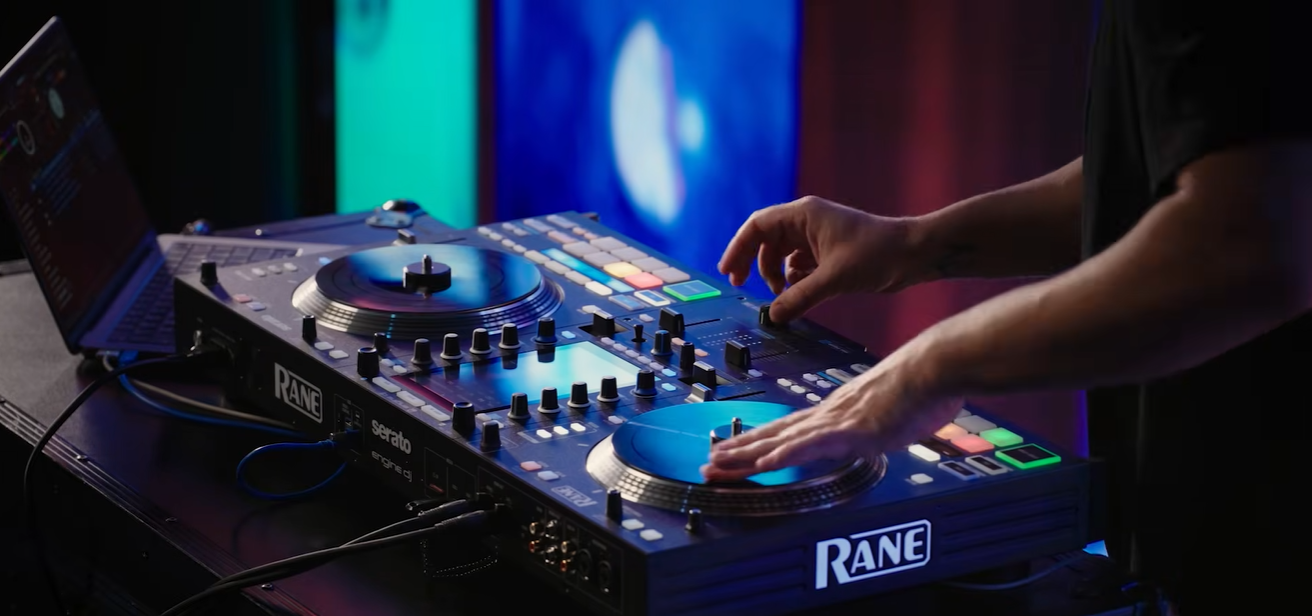
The Rane SYSTEM ONE is now officially supported in Serato DJ Pro!
To get started, you will need to update the Rane SYSTEM ONE to Engine DJ 4.6.0. For more information on how to update Engine DJ on your Rane SYSTEM ONE, see the support article linked below.
Rane DJ | How to update Engine DJ OS
You will also need to update Serato DJ Pro to version 4.0.3. The link below will take you to the Serato downloads page where you will find installers for macOS and Windows. Drivers for both macOS and Windows are bundled with Serato DJ Pro 4.0.3, so there is no need to download them separately.
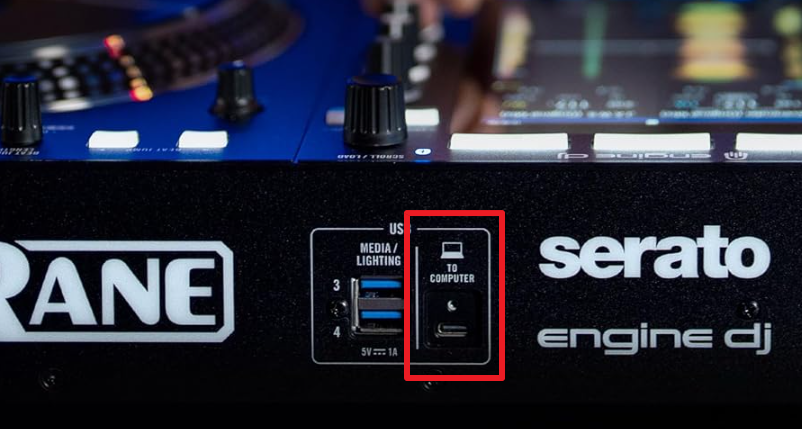
Connect the Rane SYSTEM ONE to your computer using the included USB C to C locking cable. Please connect directly to your computer without the use of a USB hub or adapter.
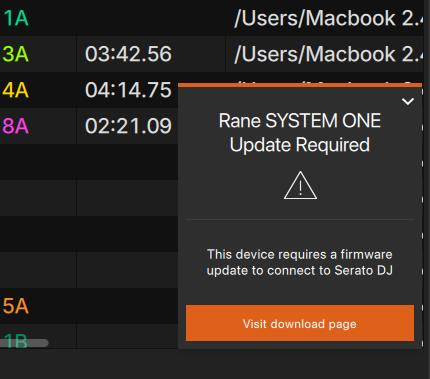
If you update Serato DJ Pro before updating the Rane SYSTEM ONE, you will be presented with the following prompt in the bottom right corner of your computer screen. Click the Visit downloads page to proceed and you will be directed to enginedj.com/downloads
macOS users may be presented with the following prompt when setting up the Rane SYSTEM ONE with Serato DJ Pro. Click Allow to proceed.
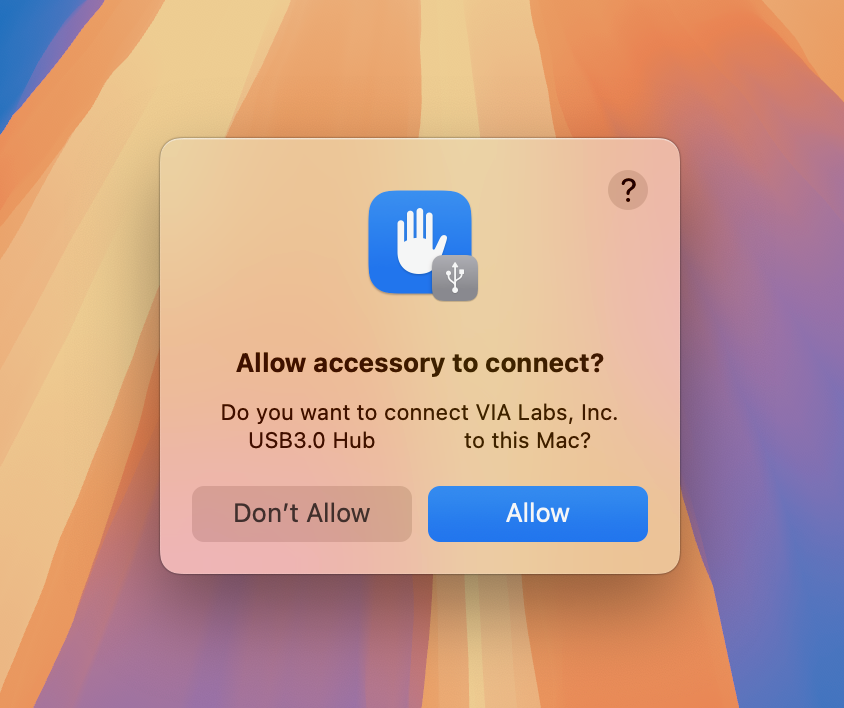
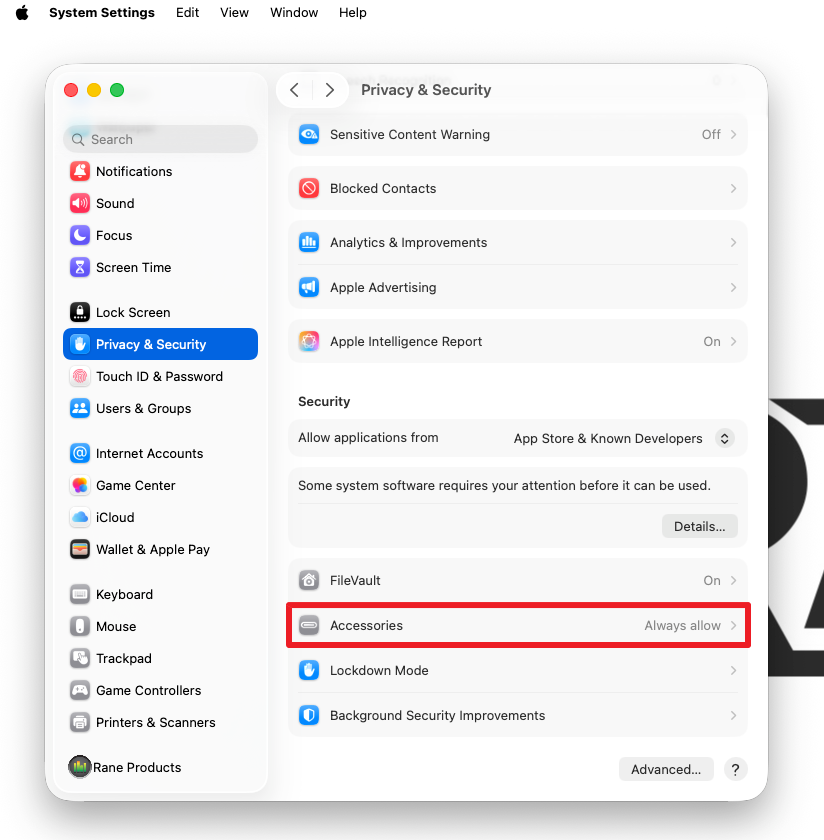
If you dismissed the above prompt by choosing Don't Allow, this can be modified by navigating to System Settings > Privacy & Security > Accessories and setting this to Always Allow.
Following the updates to both Serato DJ Pro and the Rane SYSTEM ONE, we advise that you restart both devices.
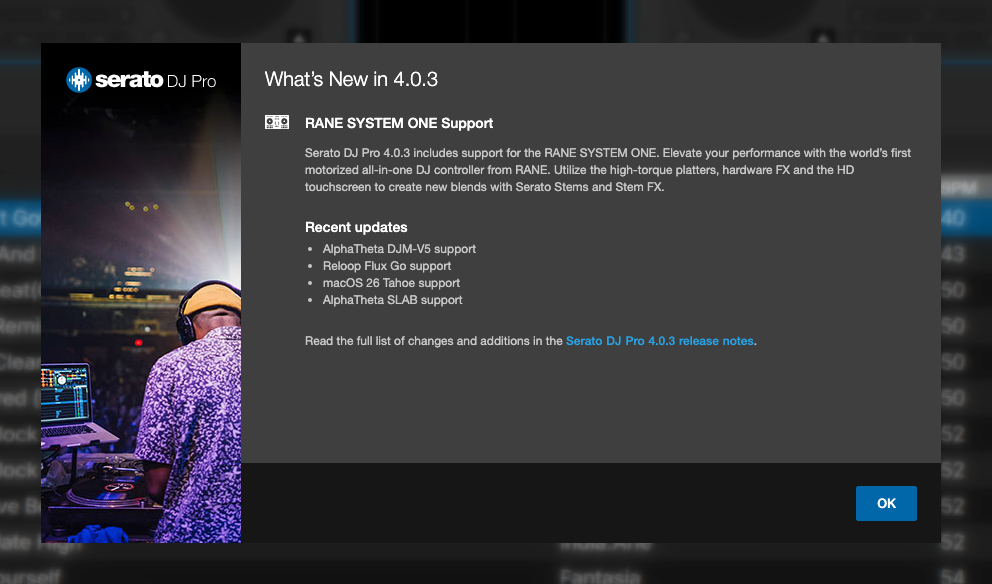
When you open Serato DJ Pro 4.0.3 for the first time, you will be presented with the following onboarding message. Click OK to proceed.
You will then see the Rane SYSTEM ONE show as connecting in the bottom left corner of the screen.

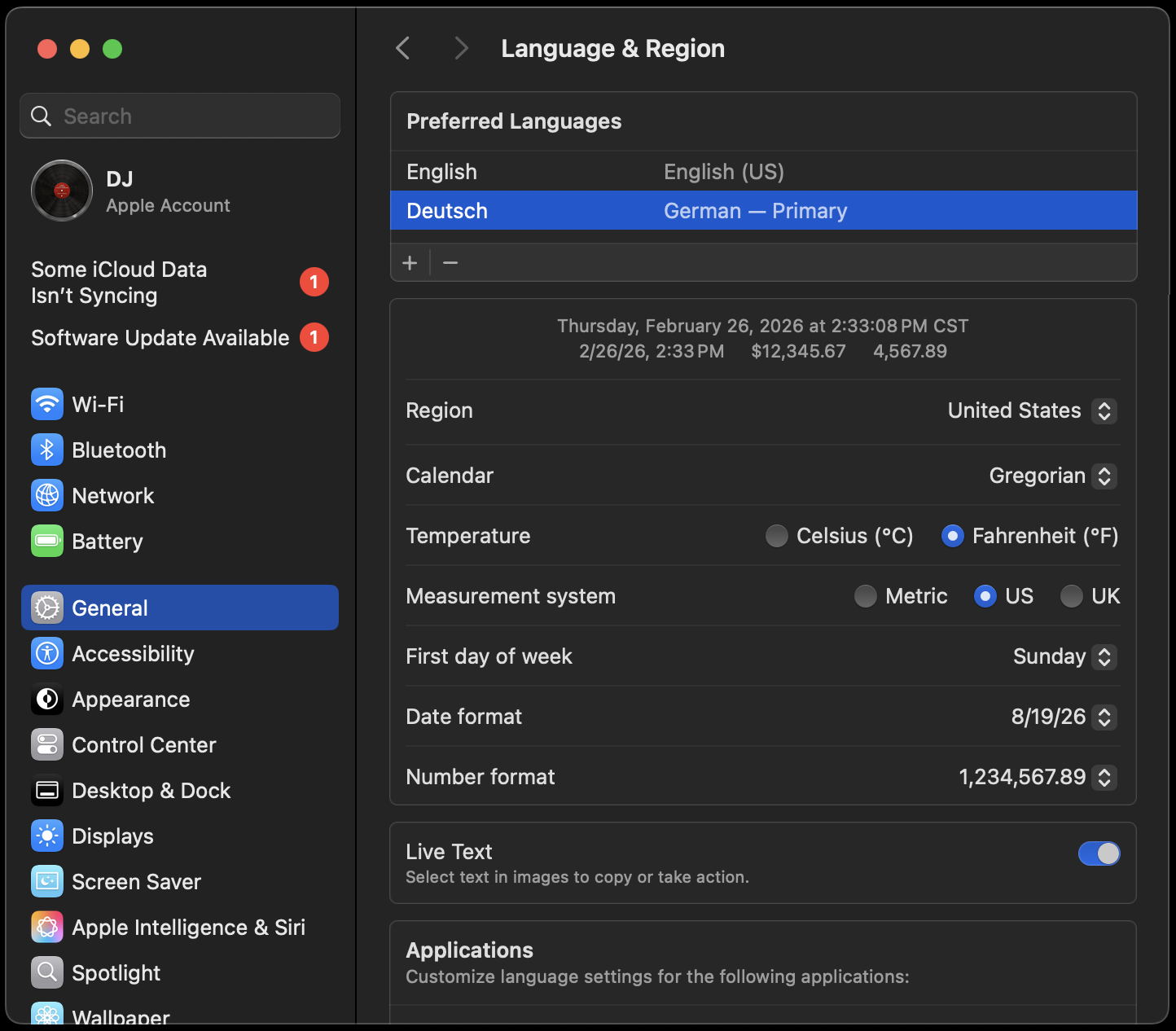
If you see the above message, but the Rane SYSTEM ONE never proceeds to connect to your Mac computer, we believe this behavior may be isolated to end users who have their macOS input language set to something other than English. When performing testing going from English to an alternate language, this was able to be reproduced in house.
- Disconnect System One from Mac
- Open Audio/MIDI setup
- Locate 'Rane SYSTEM ONE' in 'MIDI Studio' (you may need to enable this by selecting 'Show MIDI Studio' from the 'Window' menu in Audio/MIDI setup
- Select 'Rane SYSTEM ONE', then click the minus (-) button at the top of the MIDI Studio window to remove the device
- Check that the device is removed from the list
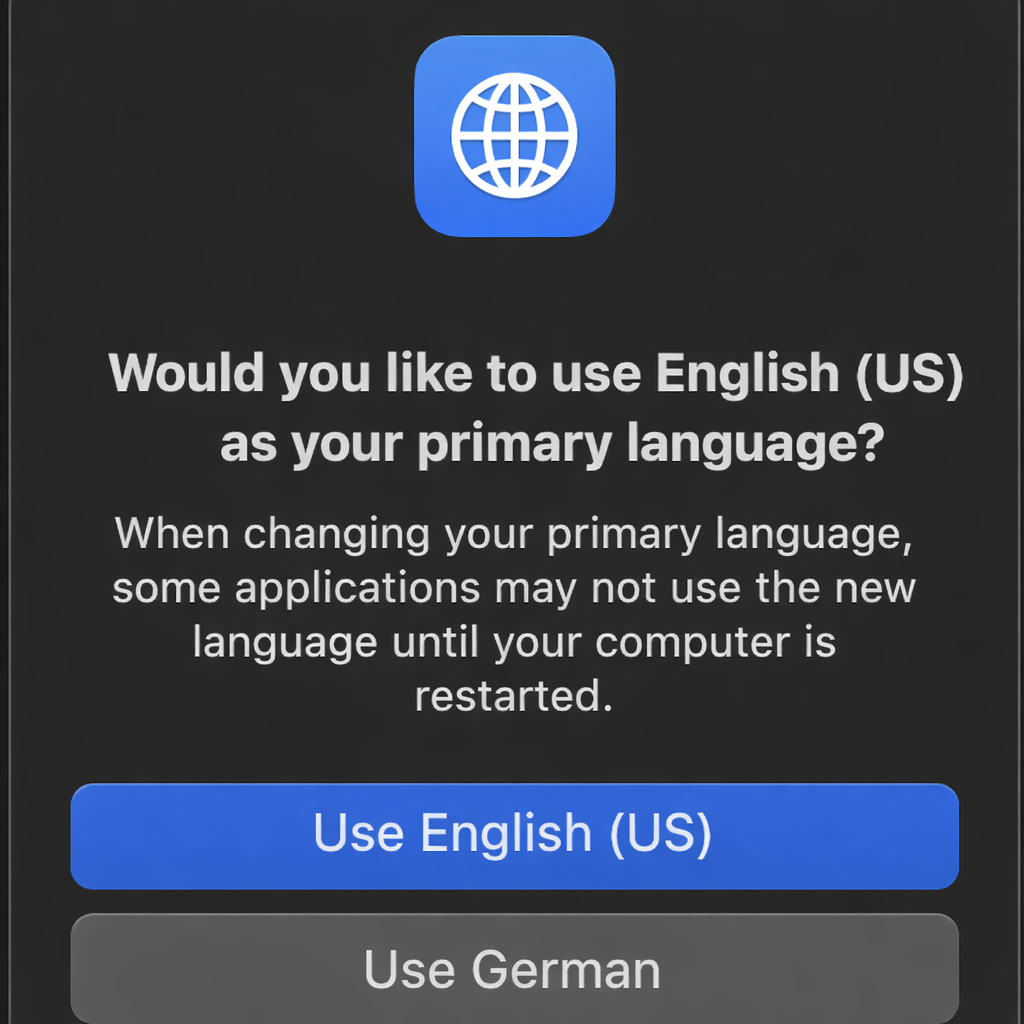
- Add 'English' a secondary language in System Settings>General>Language and Region, and set to 'English (US)'
- Restart the Mac
- Connect System One and check the Audio/MIDI setup window has port names as per the screenshot below
- Start Serato 4.0.3
Once connected, the Serato virtual decks will display IN USE - LOAD TO TAKEOVER
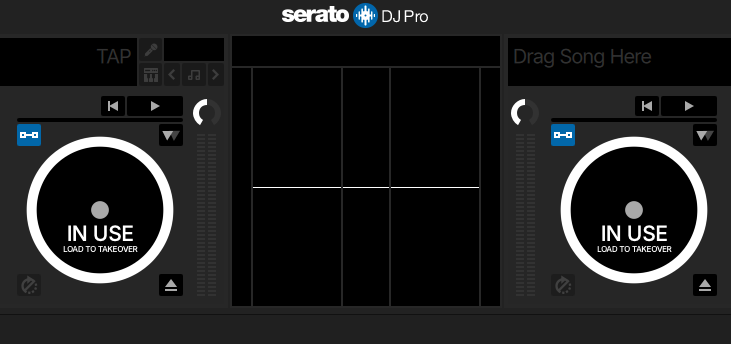
Load tracks to each of the virtual decks from your computer, then the Rane SYSTEM ONE can be used to navigate your library and load tracks using either the touch screen or dedicated hardware controls for each deck.
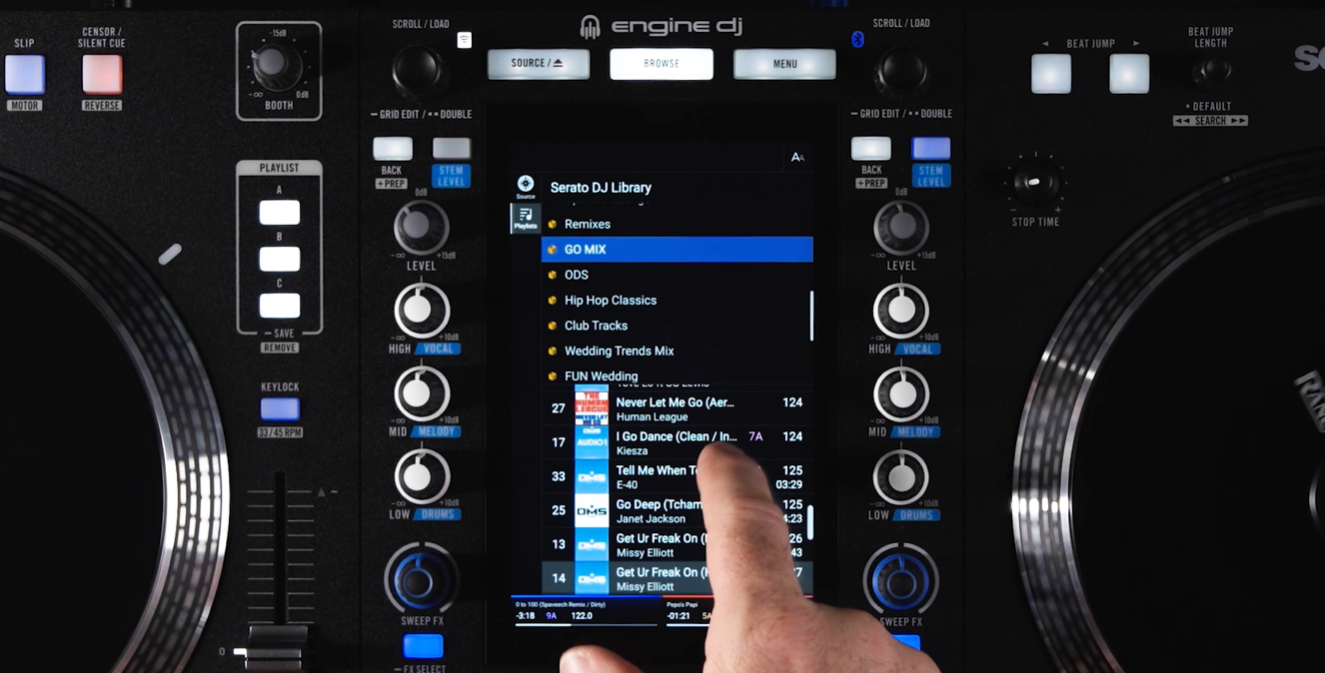
Now you are ready to go with the Rane SYSTEM ONE and Serato DJ Pro!
Please open a support ticket if you require further assistance.
Was this article helpful?
That’s Great!
Thank you for your feedback
Sorry! We couldn't be helpful
Thank you for your feedback
Feedback sent
We appreciate your effort and will try to fix the article