Native Access | Where can I find the Demo version of a Native Instruments product?
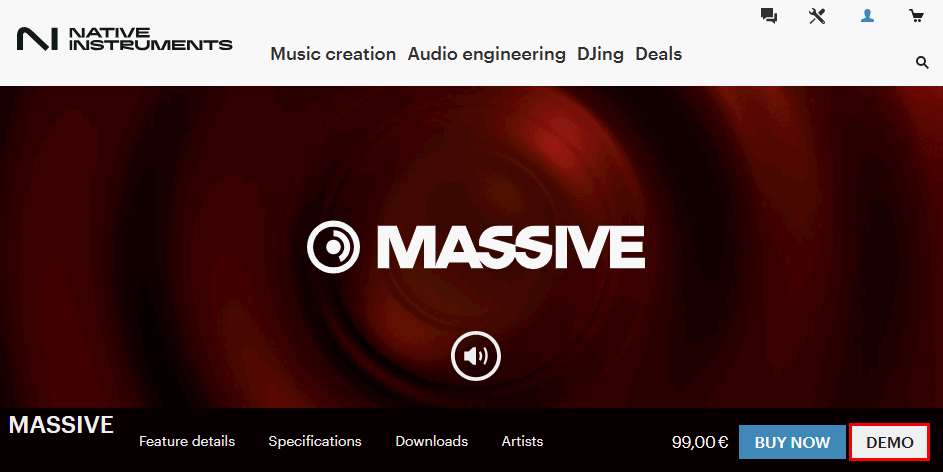
Demo versions of many Native Instruments products can be found on our website by clicking the DEMO button on the product page. After entering your email and country, you receive a download link via email, valid for 48 hours. Additionally, a free trial for the 360 Pro subscription, which includes many products, is available.
- Go to the Native Instruments website and find the product you want to try.
- On the product page, click on the DEMO button which is located next to the BUY NOW button. If you do not see a DEMO button, the product is not available as Demo version.
- Enter your email and your country in the corresponding fields, then press the GET DOWNLOAD LINK button.
- You will receive shortly an e-mail from Native Instruments containing the download link for the product you want to try out. Click on the download link to download the installation files. Please note that the download link is active for 48 hours only.
Subscription 360 Pro
You can also start a free trial for 360 Pro - our subscription which includes many of our products: 360 Pro
Was this article helpful?
That’s Great!
Thank you for your feedback
Sorry! We couldn't be helpful
Thank you for your feedback
Feedback sent
We appreciate your effort and will try to fix the article