If Kontakt 7 or Kontakt 8 appears blurry in FL Studio, this is typically caused by plugin display settings.
- Open the Fruity Wrapper settings on the plug-in window and select Processing.
- Activate the option Make bridged.
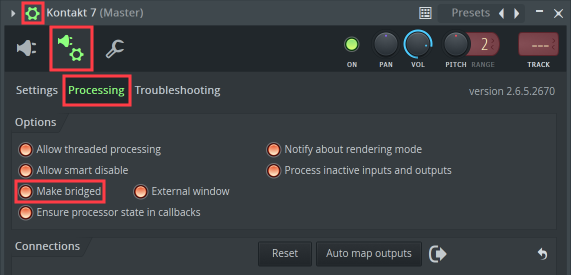
- Click the Plug-in editor button to return to the Kontakt plug-in window.
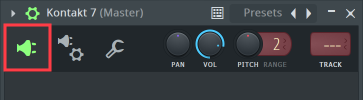
The Kontakt 7 / 8 plug-in window will now display as expected.
Was this article helpful?
That’s Great!
Thank you for your feedback
Sorry! We couldn't be helpful
Thank you for your feedback
Feedback sent
We appreciate your effort and will try to fix the article