How to Download Previous Versions of Native Instruments Software from Your Account
Visit the Native Instruments website.
Click the Profile icon in the top-right corner, then select Profile.
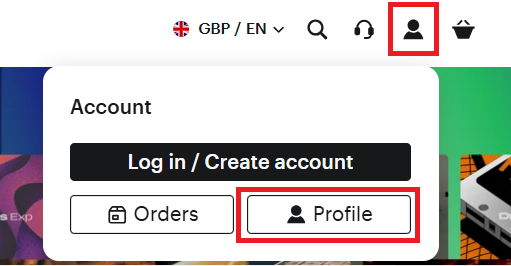
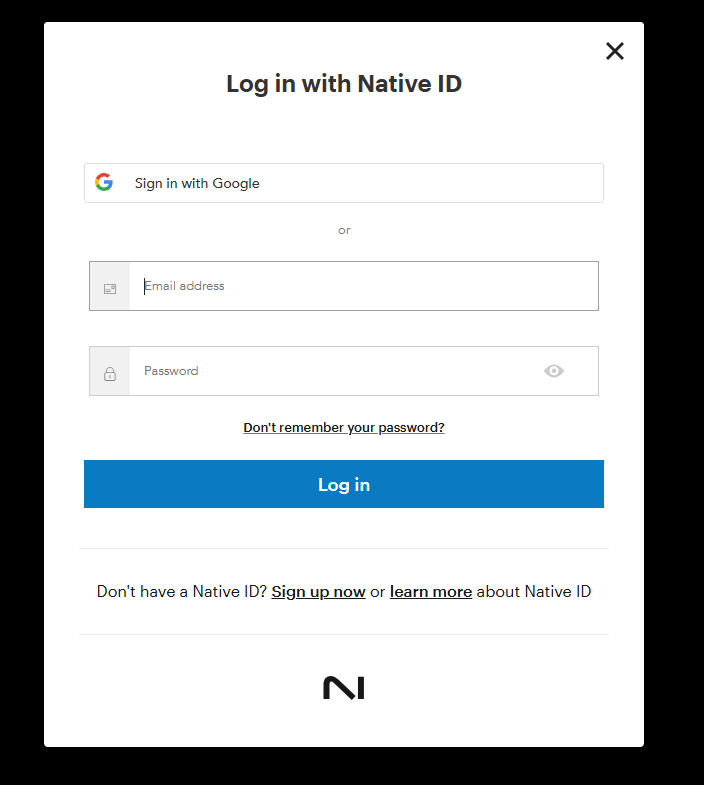
Sign in using your Native Instruments account credentials.
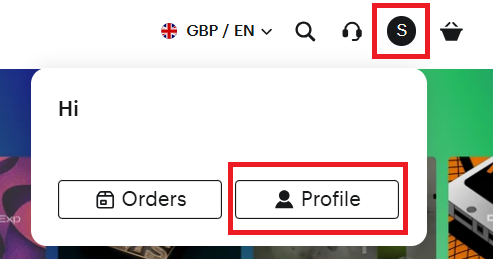
Once logged in, click the circle containing your initial in the top-right corner and select Profile again.
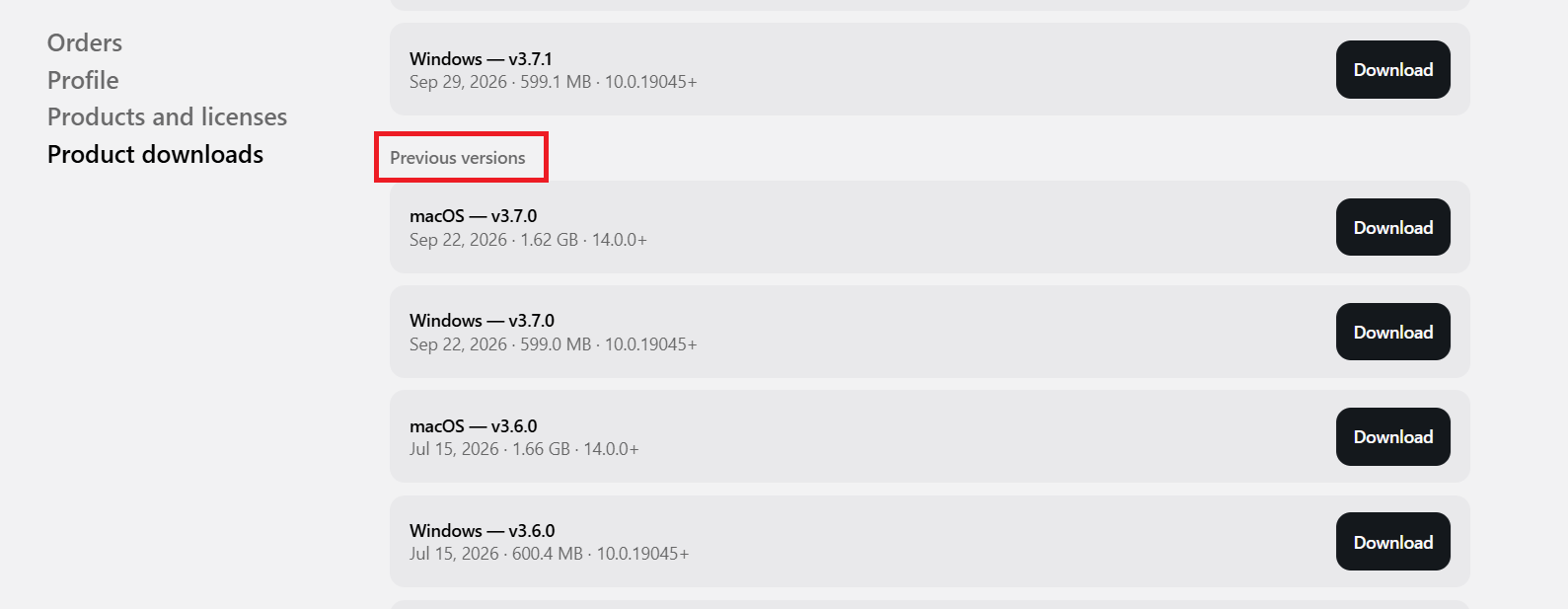
Select Product Downloads from the menu. Scroll through the list and locate the product you wish to download (for example, MASCHINE 3), then click View Downloads.

Scroll down to the Previous Downloads section. All available previous versions of the selected software will be listed here. Choose the version you require and download it.
Was this article helpful?
That’s Great!
Thank you for your feedback
Sorry! We couldn't be helpful
Thank you for your feedback
Feedback sent
We appreciate your effort and will try to fix the article