All Kits from the Maschine 2 Factory Library, Maschine Central or Expansions include a set of Patterns that illustrates possible uses of that Kit. Similarly, when you save a Group of your own to the Library for later use, all Patterns you have created for that Group will be saved with the Group.
To load a Group with the corresponding Pattern, follow these steps:
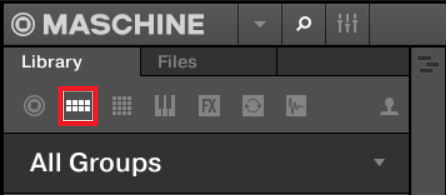
- Select the Groups button in the LIBRARY pane:
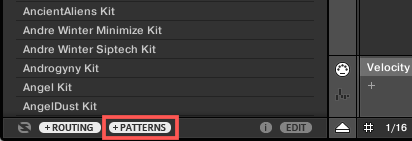
- Make sure that the + PATTERNS button in the lower left of the Maschine browser is engaged:
Now Groups will be loaded together with their Patterns: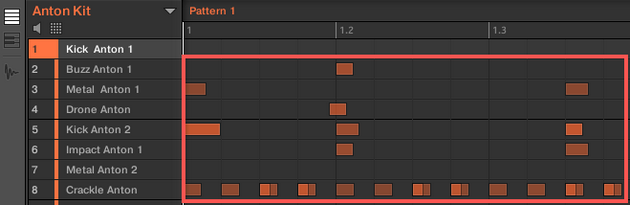
If you want to load Groups without their Patterns, disable the +PATTERNS button. This allows you to load another set of Sounds while keeping your current Patterns.
You can also activate the Load Patterns with Groups functionality directly from the Maschine Controller. Please refer to the chapter 'Load Groups with their Patterns using the Controller' of the Maschine manual. You can download the manual for your particular Controller model from the Maschine DOWNLOADS page.
Was this article helpful?
That’s Great!
Thank you for your feedback
Sorry! We couldn't be helpful
Thank you for your feedback
Feedback sent
We appreciate your effort and will try to fix the article