In Kontakt 7 / 8, you can create a Multi Instrument with up to 64 instruments in a Rack. Since Kontakt 7.7, the way to load multiple instruments into the Rack has changed. Here is the new workflow:
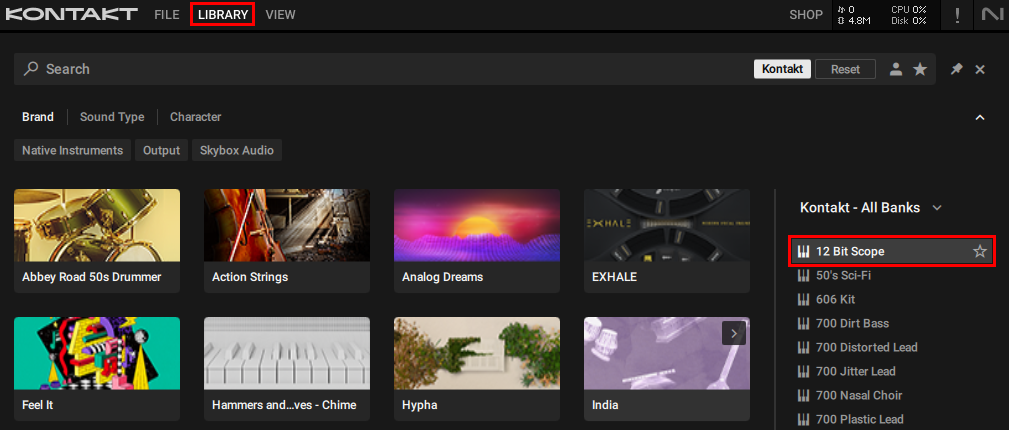
1. Click LIBRARY to open the Browser and double-click the preset you want to load:
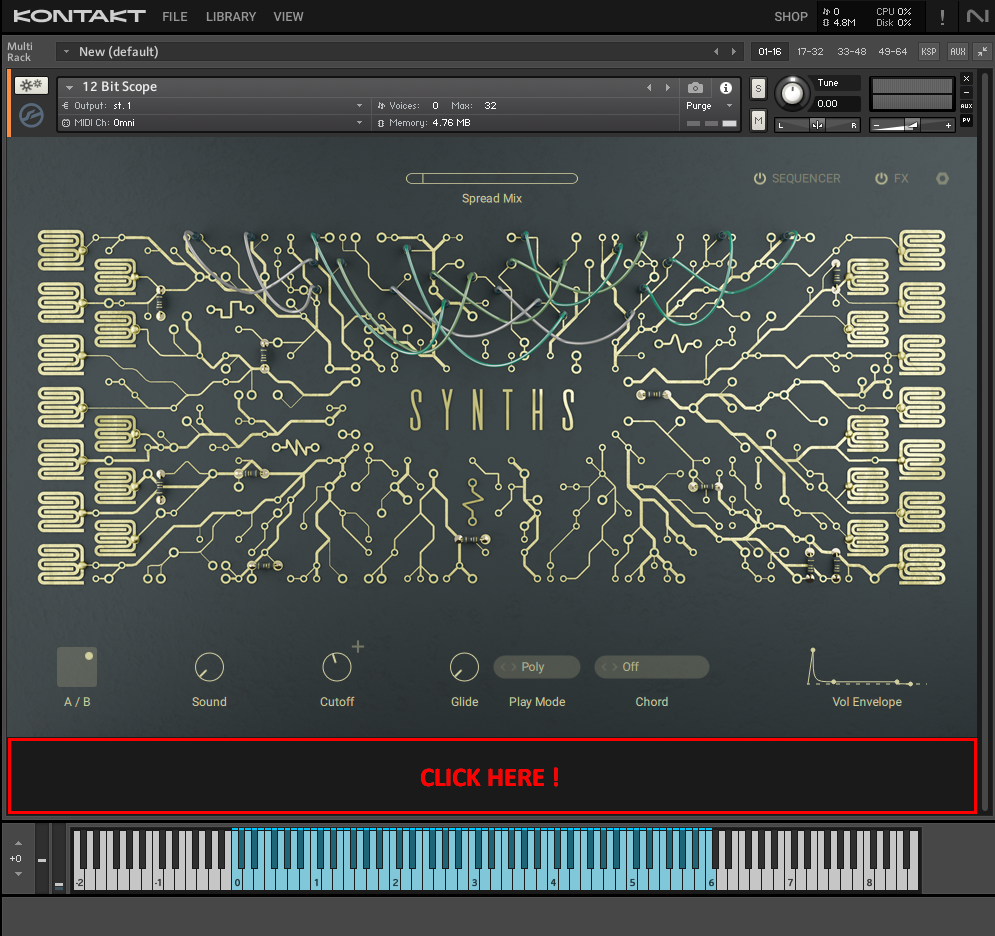
2. Click in the area below the actual instrument. This will make sure that the next instrument you load is added to the existing one (instead of replacing it):
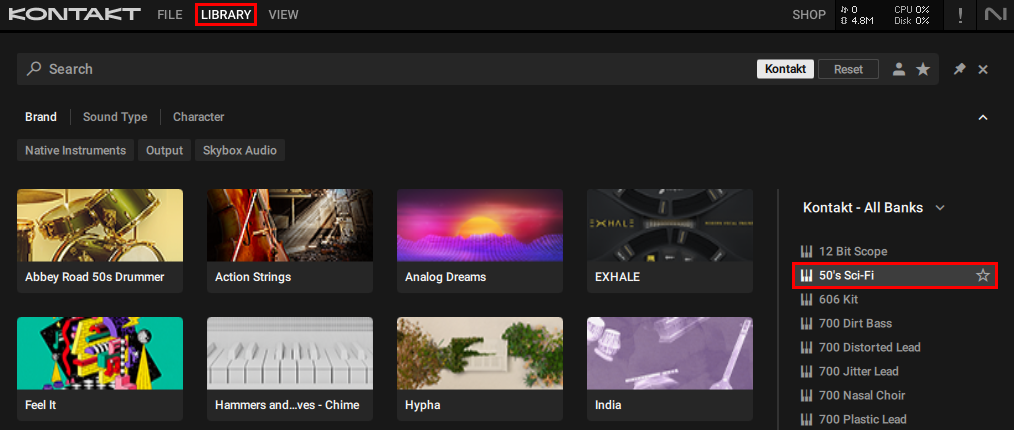
3. Click LIBRARY again, find another preset and double-click it:
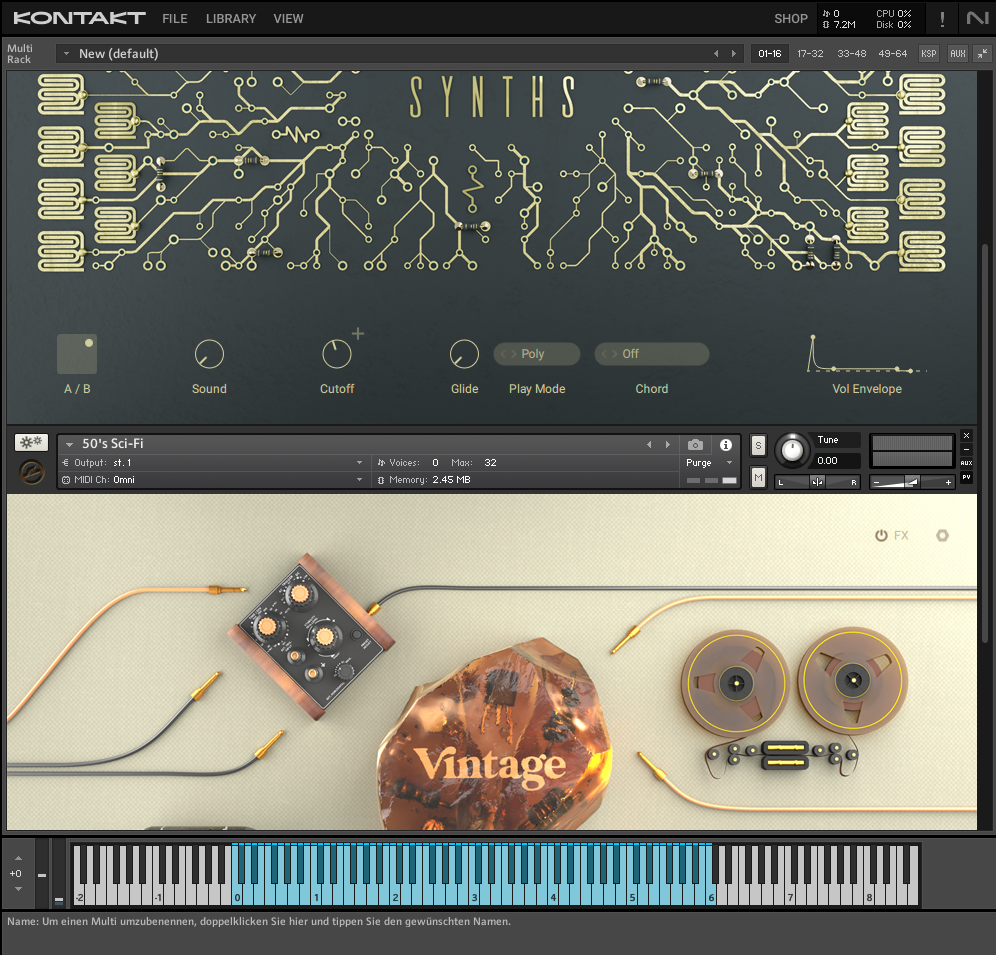
4. Both instruments are now loaded in the same Rack:
Was this article helpful?
That’s Great!
Thank you for your feedback
Sorry! We couldn't be helpful
Thank you for your feedback
Feedback sent
We appreciate your effort and will try to fix the article