You may find that Absynth 5, FM8, or Massive are missing newly added sounds, or that no presets appear in the Browser at all.
This typically occurs when the instrument has not been opened in standalone mode after installation, or after adding new presets, meaning the database has not yet been initialized or updated.
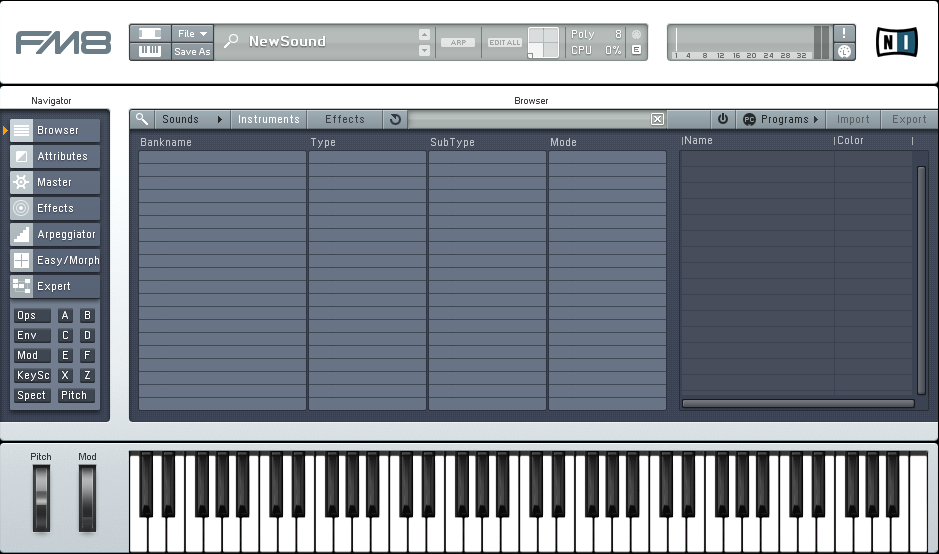
To resolve this, run Absynth 5 / FM8 / Massive as a stand-alone application in order to allow them build their database and complete their installation process.
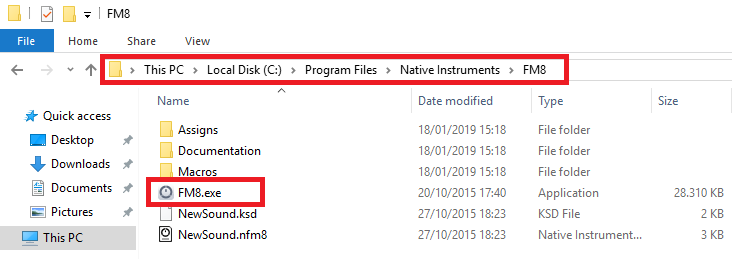
Below we show you where the stand-alone applications of these NI products are located on your computer. Here we are using FM8 as an example:
- Mac: Macintosh HD > Applications > Native Instruments > *NI Product* > *NI Product*.app

- Win: C: > Program Files > Native Instruments > *NI Product* > *NI Product*.exe
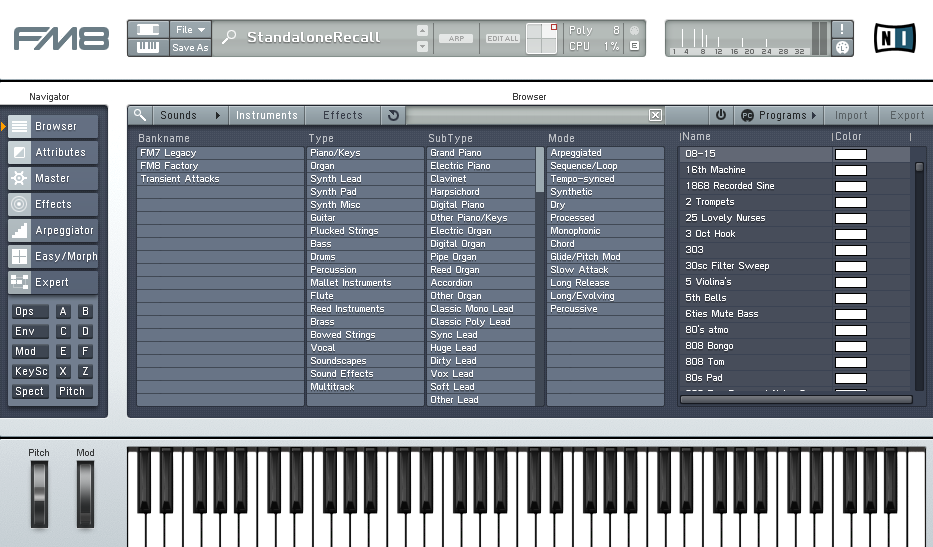
Once the database has been updated, your presets will now appear:
Was this article helpful?
That’s Great!
Thank you for your feedback
Sorry! We couldn't be helpful
Thank you for your feedback
Feedback sent
We appreciate your effort and will try to fix the article