Native Instruments | Windows Error Message: Missing MSVCP120.dll File
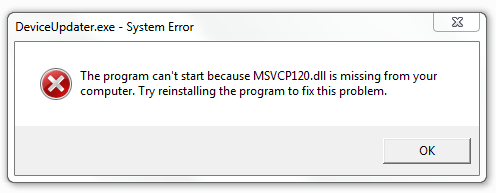
When launching a Native Instruments application on a Windows system, you may get the following error message regarding a missing "MSVCP120.dll" file: The program can't start because MSVCP120.dll is missing from your computer. Try reinstalling the program to fix this problem.
In case you receive this error message regarding a missing DLL file, you have to install the Microsoft Visual Studio 2013 Runtime Libraries. Download them here: Visual C++ Redistributable Packages for Visual Studio 2013 and follow the instructions from Microsoft Support.
Was this article helpful?
That’s Great!
Thank you for your feedback
Sorry! We couldn't be helpful
Thank you for your feedback
Feedback sent
We appreciate your effort and will try to fix the article