Important Note: the latest firmware for the controller needs to be installed. Please click here to install the latest firmware update.
To enable MIDI mode on your S2 MK3, press and hold the left FLX button while connecting the controller to your computer.
The pads will flash green briefly, indicating that MIDI mode is now active. Disconnect the device in order to deactivate MIDI mode again.
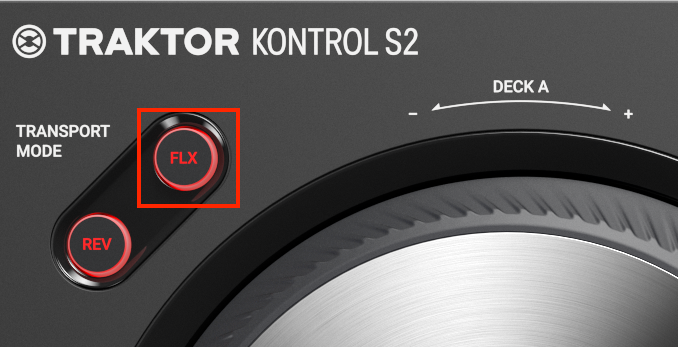
The MIDI mode is natively implemented within the device. This allows using the S2MK3 in any kind of setup, e.g. also with MIDI-enabled mobile applications.
Was this article helpful?
That’s Great!
Thank you for your feedback
Sorry! We couldn't be helpful
Thank you for your feedback
Feedback sent
We appreciate your effort and will try to fix the article