My Native Instruments Controller is not Listed in TRAKTOR's Setup Wizard
TRAKTOR PRO 2 / 3 automatically detects all Native Instruments controllers based on our NHL protocol and adds them to your configuration. This includes the following products:
- TRAKTOR KONTROL S8
- TRAKTOR KONTROL S5
- TRAKTOR KONTROL S4
- TRAKTOR KONTROL S3
- TRAKTOR KONTROL S2
- TRAKTOR KONTROL D2
- TRAKTOR KONTROL X1
- TRAKTOR KONTROL F1
- TRAKTOR KONTROL Z2
- TRAKTOR KONTROL Z1
If you are adding one of these controllers to your existing TRAKTOR installation, just install the drivers and plug it into a free USB port on your computer. All necessary settings will be loaded as soon as TRAKTOR recognizes the device.
Note: Depending on the model and your TRAKTOR configuration, you may have to activate features like Remix Decks or Scratch Control in order to make full use of your controller.
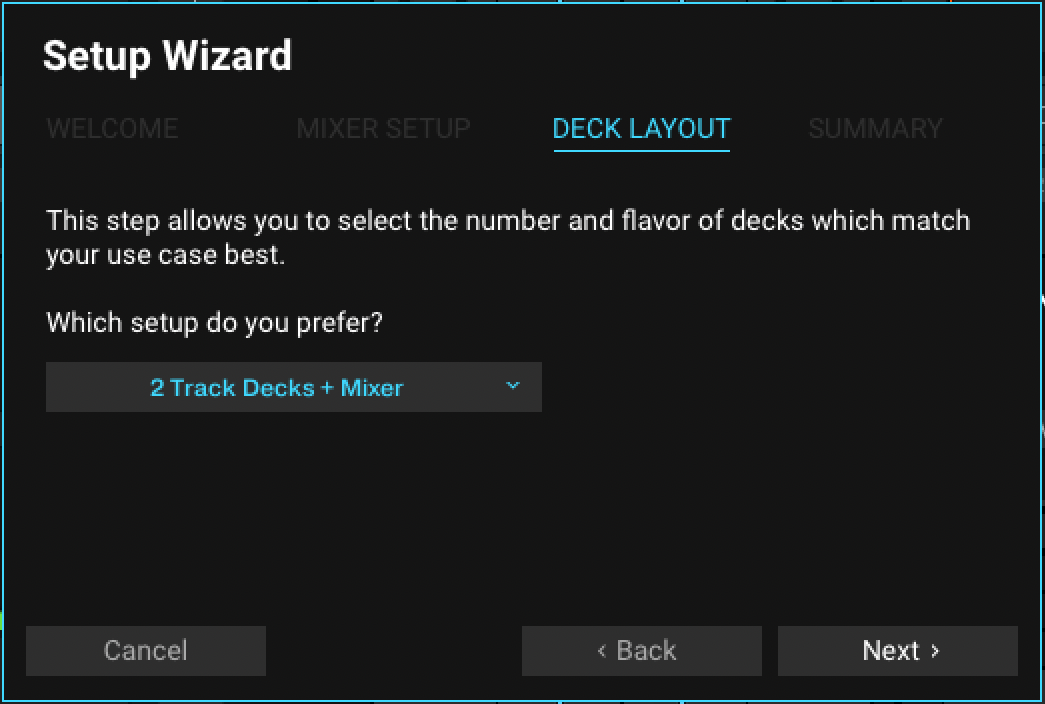
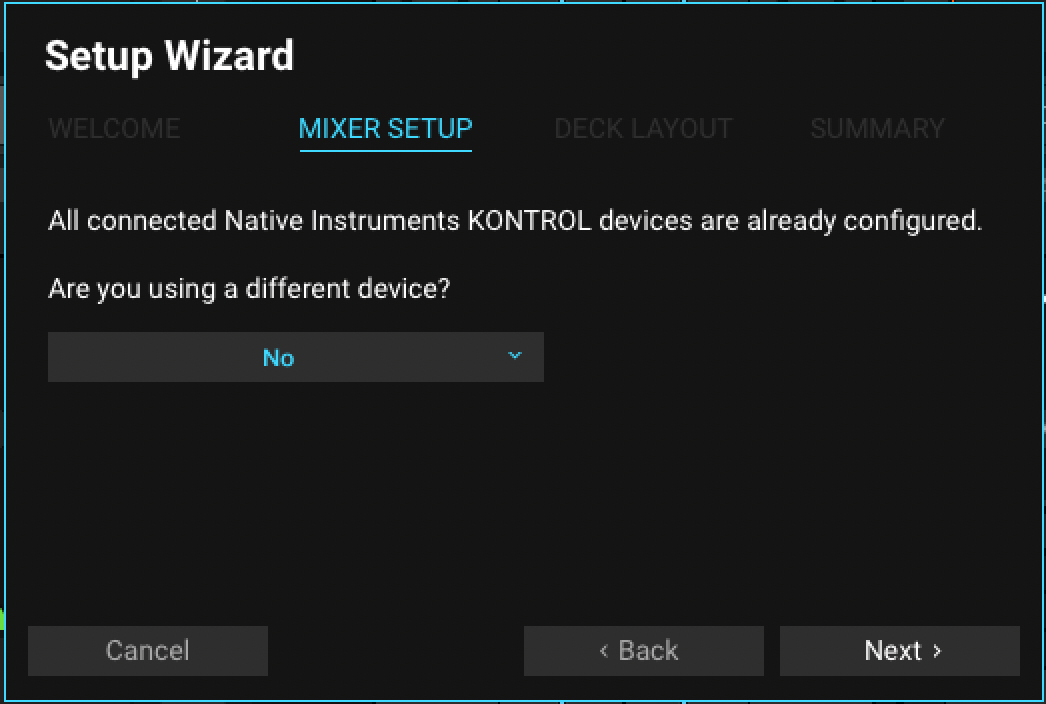
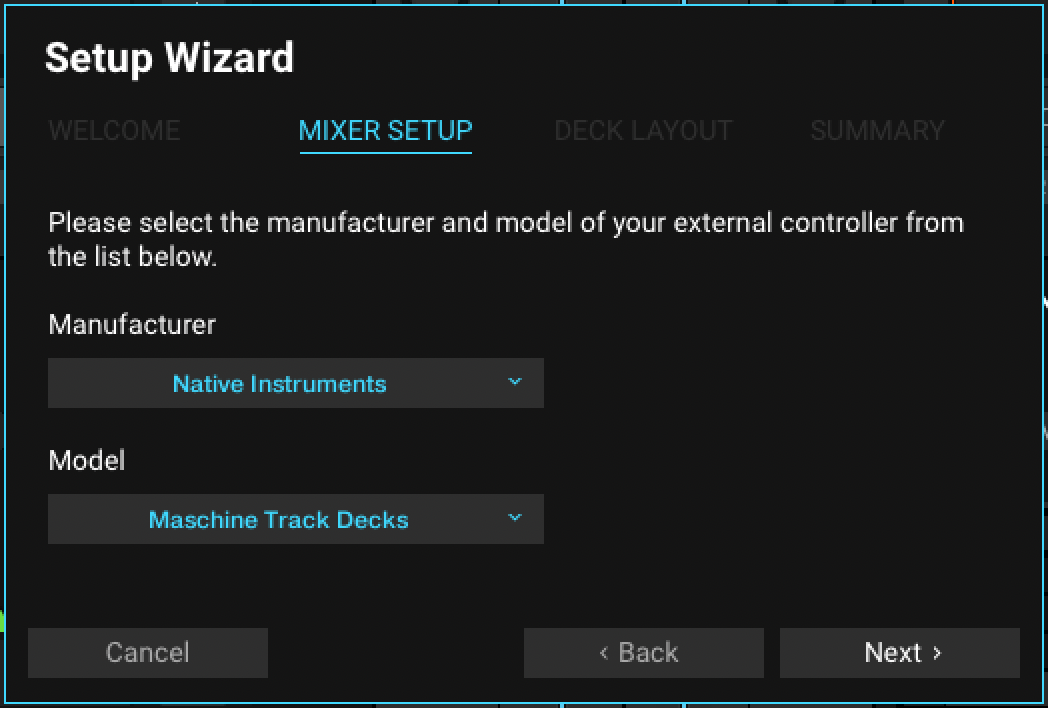
When starting TRAKTOR for the first time, the Setup Wizard will come up and guide you through the configuration process. The WELCOME screen advises you to connect all your devices and USB controllers. If you own one of the controllers named above, this is the only configuration step needed to add them to your TRAKTOR configuration.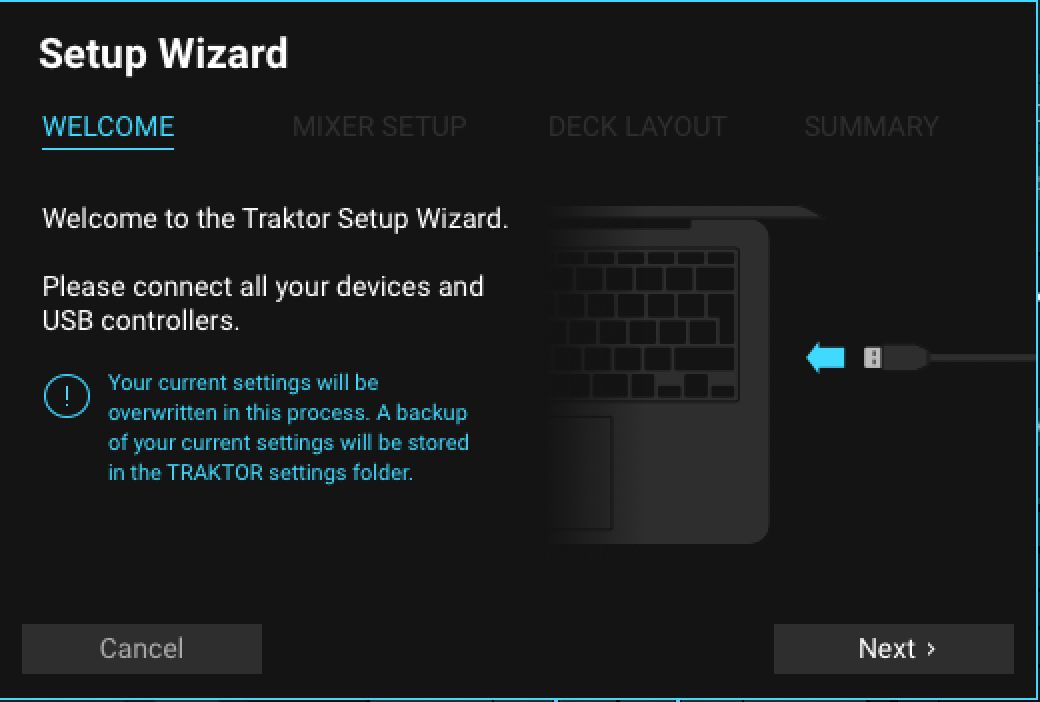
Was this article helpful?
That’s Great!
Thank you for your feedback
Sorry! We couldn't be helpful
Thank you for your feedback
Feedback sent
We appreciate your effort and will try to fix the article