Symptom
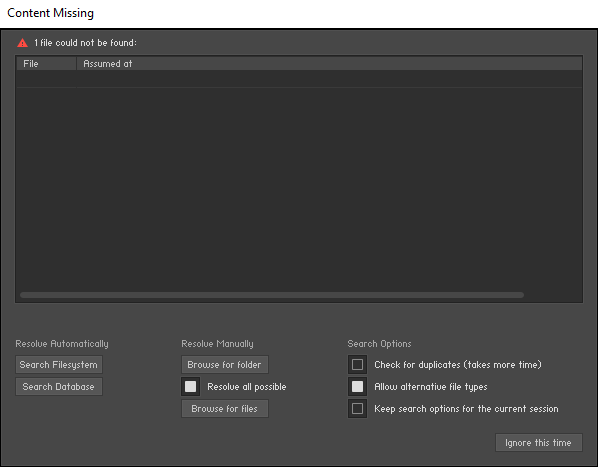
When trying to open a Kontakt Library preset, you receive the following error message:
Content Missing
Cause
This means that Kontakt is unable to find the Library. This can happen if you have moved the Library or renamed your hard drive, causing the file path of the Library to become invalid.
Solution
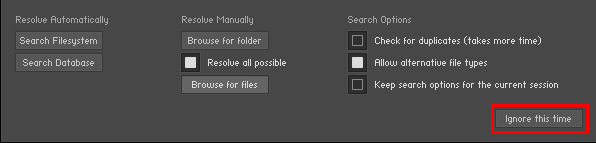
- Close the above error message by clicking Ignore this time.
- Close Kontakt / your DAW project.
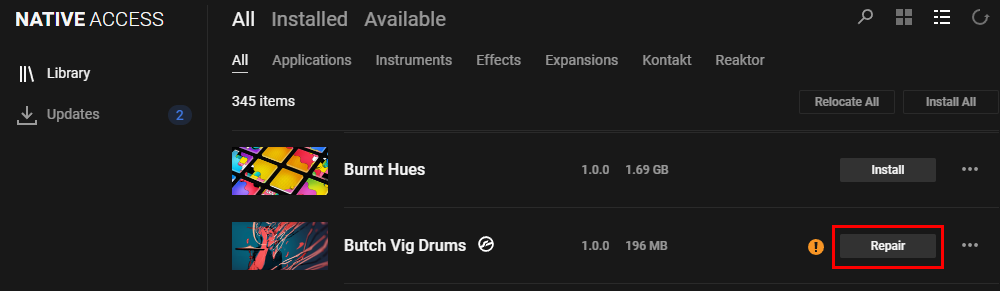
- Open Native Access and hit the refresh icon.
- Find the Kontakt Library you couldn't load and click the Repair button.
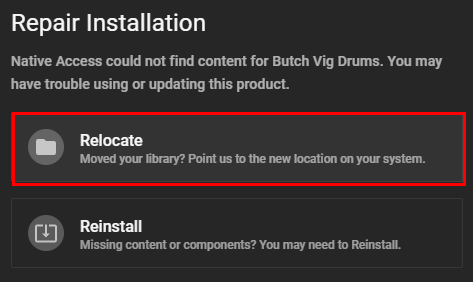
- Click Relocate.
- Click Choose a location.
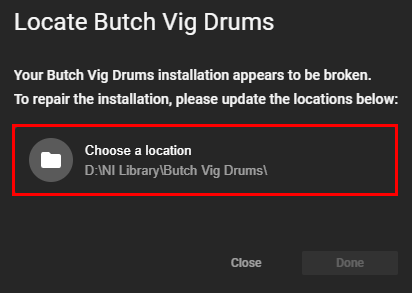
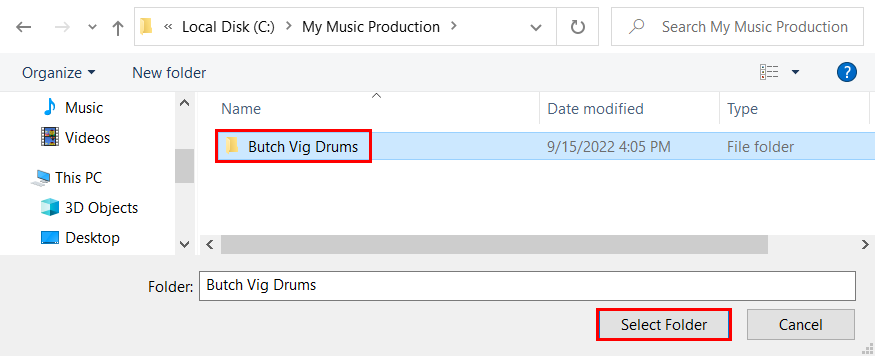
- Navigate to the Library folder and click Select Folder.
- Click Done.
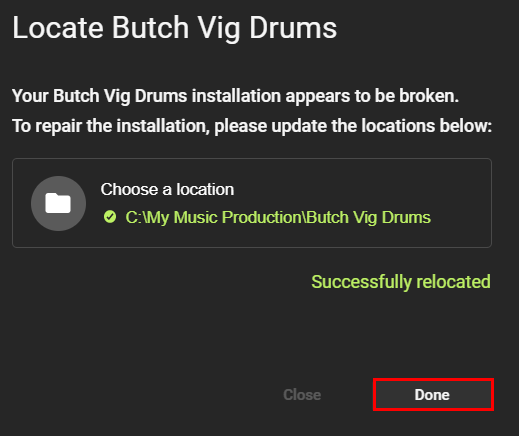
Now you have relocated the Kontakt Library.
Was this article helpful?
That’s Great!
Thank you for your feedback
Sorry! We couldn't be helpful
Thank you for your feedback
Feedback sent
We appreciate your effort and will try to fix the article